Specifying the Unit Configuration
www.3ware.com 45
2 If you have additional drives, go ahead and configure an
additional RAID unit or designate a hot spare. Then continue
on with the next section. (For details about hot spares, see
page 46.)
3 If you configured more than one unit, and you plan to install the
operating system on one of them, make that unit be the first unit
(Unit 0) in the list of Exportable Units.
To move a unit up in the list, highlight it and press the Page Up
key.
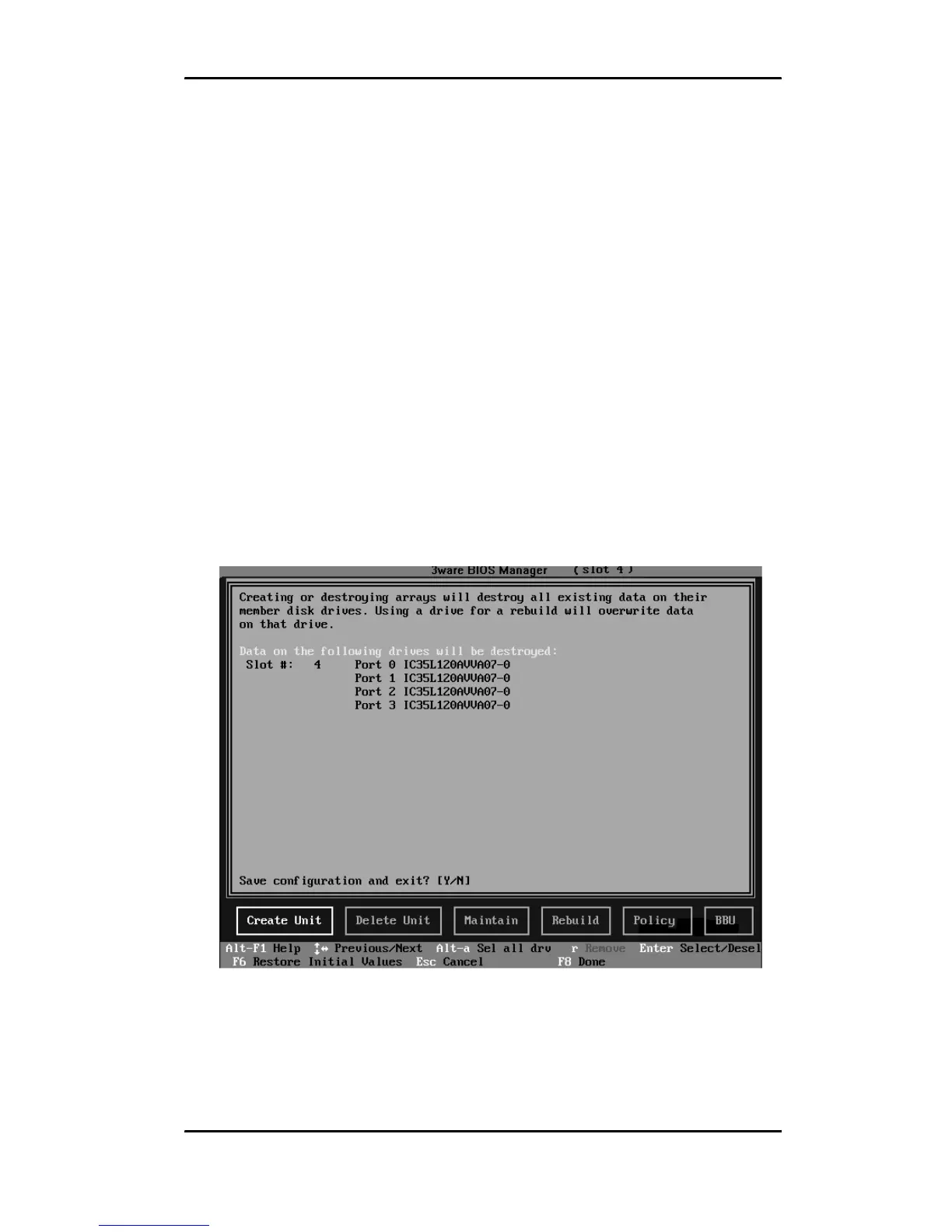
4 When you are finished configuring units, press F8 to save the
changes and exit 3BM.
A warning message asks you to confirm that all existing data on
the drives will be deleted.
Figure 15. Confirmation Message when Saving and Exiting
5Type Y to continue, delete any existing data on the drives, and
create the unit.



 To Next Page