Specifying the Unit Configuration
www.3ware.com 41
You may include from one to twelve drives in the unit,
depending on the number available. (For information about
how many drives to select for a given RAID level, see Table 2
on page 31.)
Note: To include drives that are part of an existing unit you
must first delete the other unit. Be cautious in doing this, as any
existing data on that unit will be overwritten.
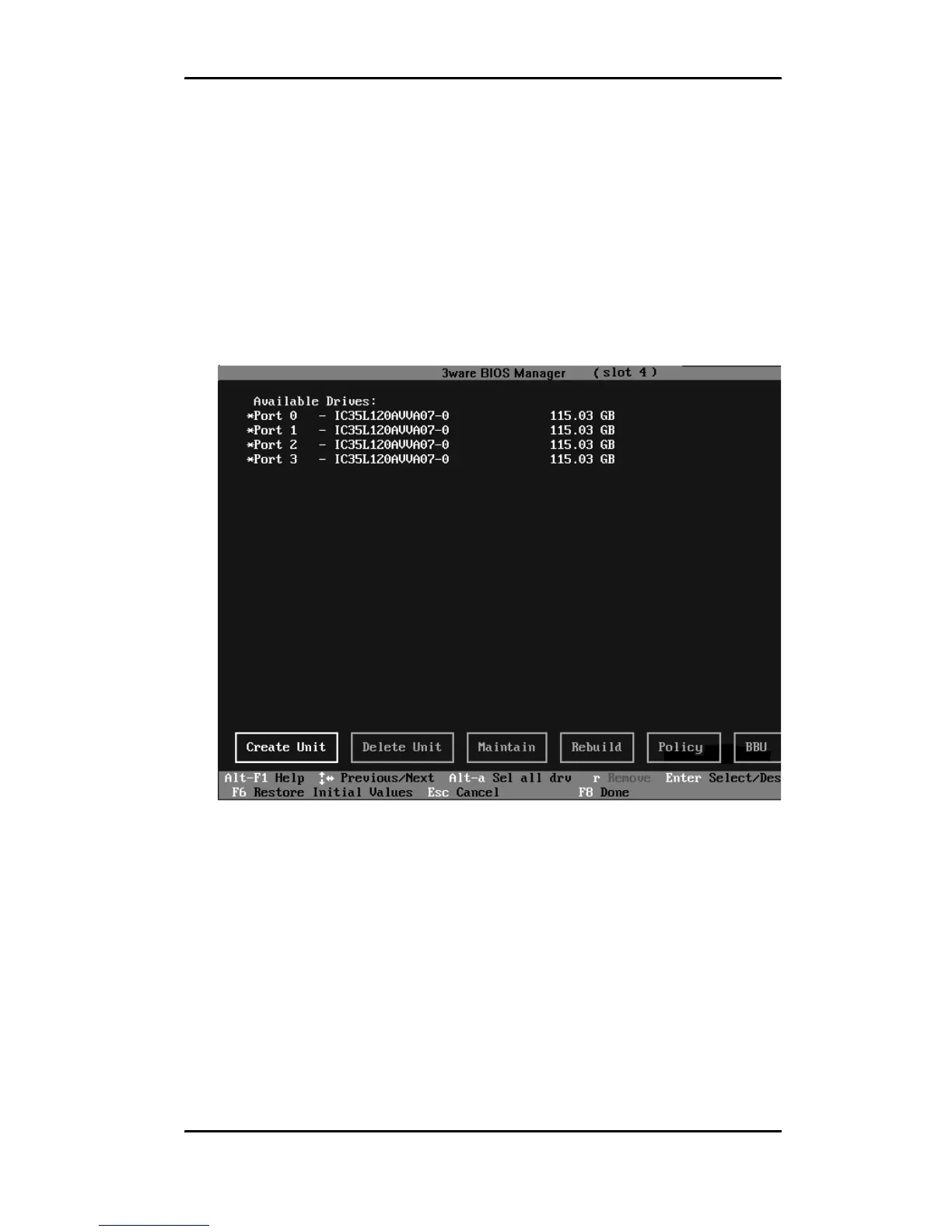
Figure 10. Asterisks Next to Selected Drives
2 After all drives for the unit are selected, use the Tab or Right
Arrow key to move to the Create Unit button and press Enter.
The Create Disk Array screen appears (see Figure 11 and
Figure 12 for examples).
3 Make sure that the proper drives are listed.



 To Next Page