Installing the Driver on a System that Boots from a Different Device
www.3ware.com 61
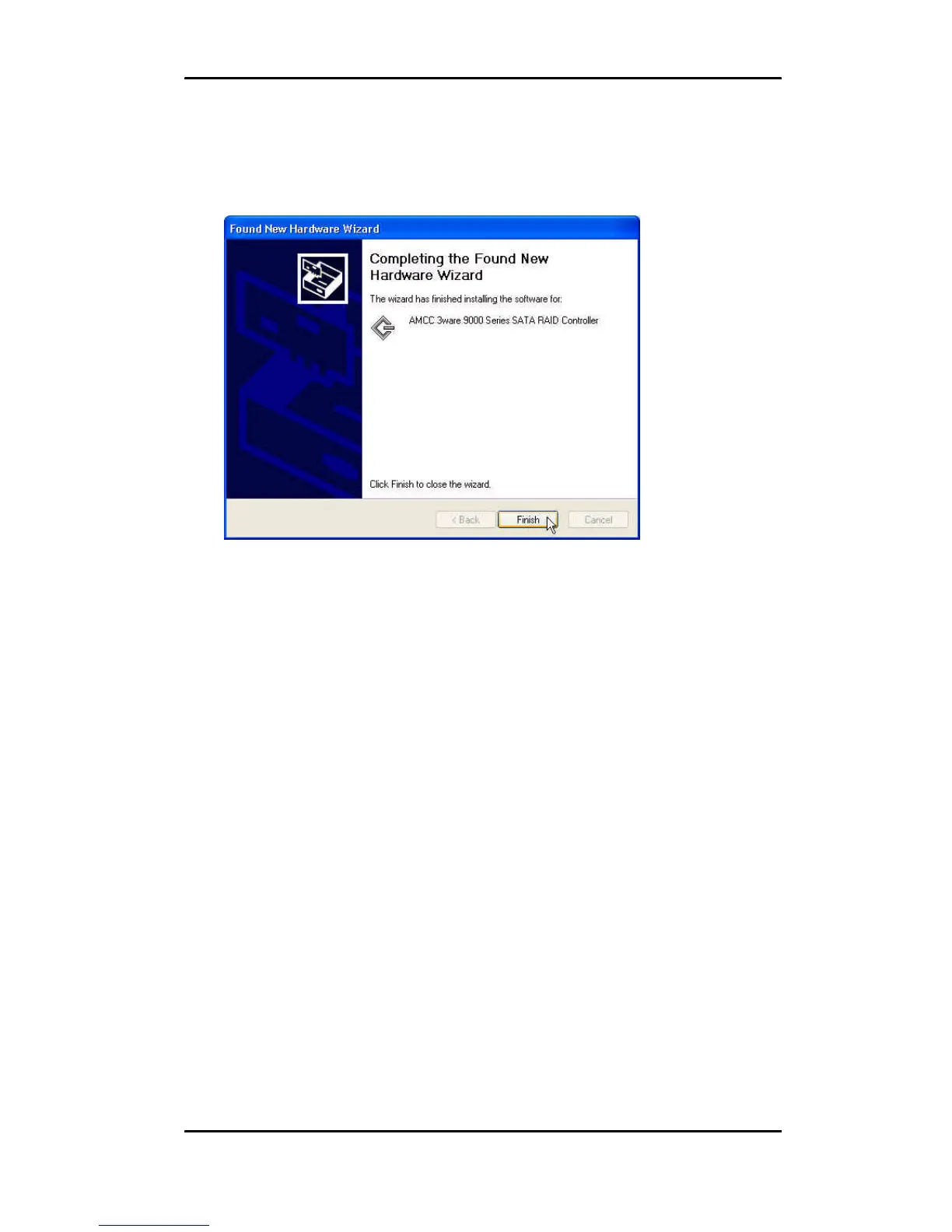
4 When the Completing the Found New Hardware Wizard screen
appears (
Figure 22), click Finish.
Figure 22. Completing Found New Hardware Wizard
5 If the “Completing” screen similar to Figure 22 indicates that
you should restart your computer, do so now.
6 When the Welcome to the Found New Hardware Wizard screen
appears again (
Figure 23), click Next and follow the prompts
on the screen to install the second driver.



 To Next Page