Naming a Unit
www.3ware.com 105
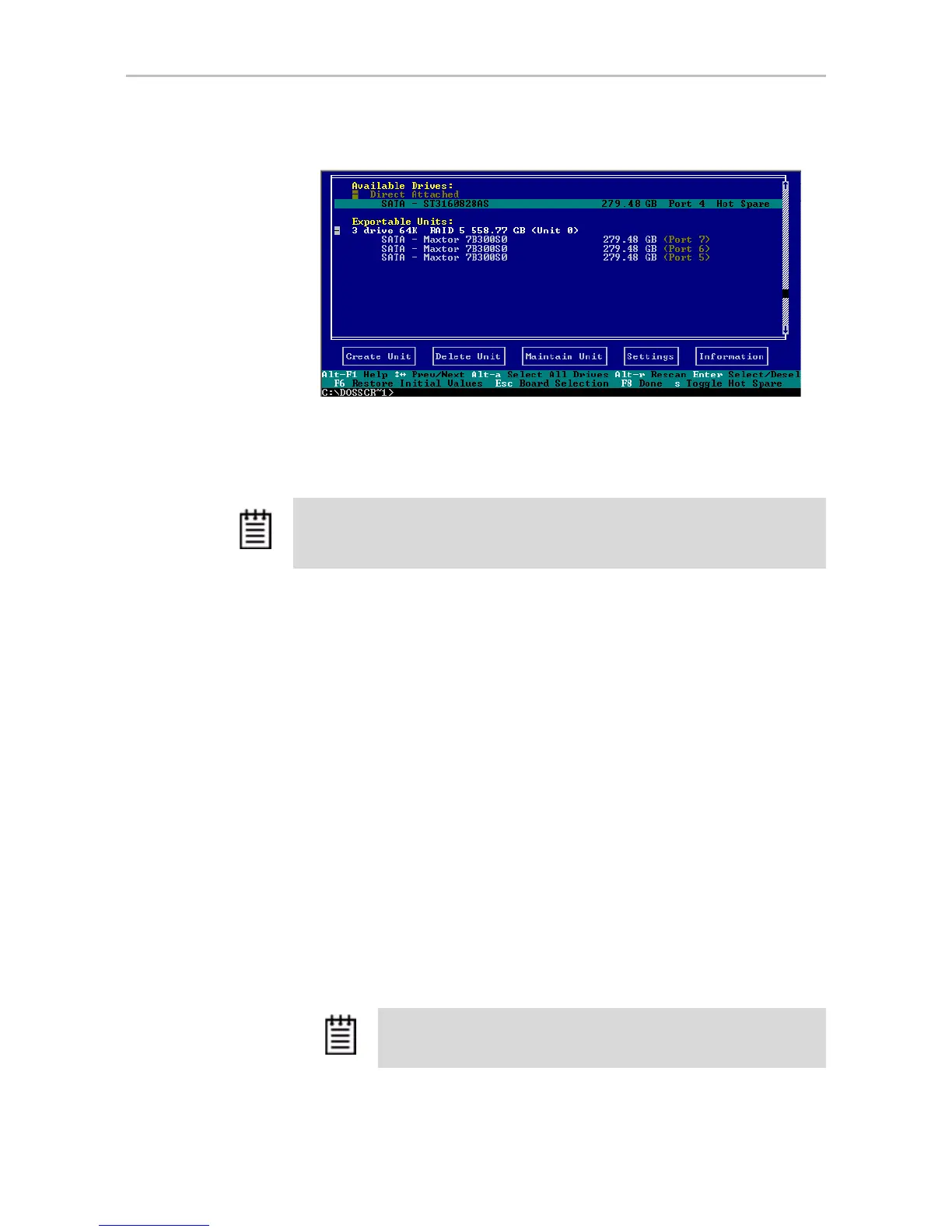
Figure 51. Hot Spare Indicated
If a hot spare is already enabled, you can disable it by pressing s again.
3 If you are finished making changes in 3BM, press
F8 to save the changes
and exit.
Naming a Unit
Units attached to 9000-series controllers can be given unique names to more
easily identify them. A unit can be assigned a name when it is created. It can
also be named or renamed at a later time.
To name or rename a unit through 3DM
1 Make sure the appropriate controller is selected in the drop-down list at
the right of the menu bar.
2 Choose
Management > Controller Settings from the menu bar in 3DM.
3In the
Unit Names section of the Controller Settings page, locate the unit
for which you want to change the name.
4 In the text box, enter or type over the name shown. A name can be up to
21 characters, and can include dashes and underscores.
5 Click the
Save Names button.
Note: If the drive you designated as a spare is not large enough to replace a failed
drive in a fault-tolerant unit, or if there is not a fault-tolerant unit for the spare to
support, 3BM will notify you.
Note: If you want to cancel your change before saving it, click the
Reset Names
button.



 To Next Page