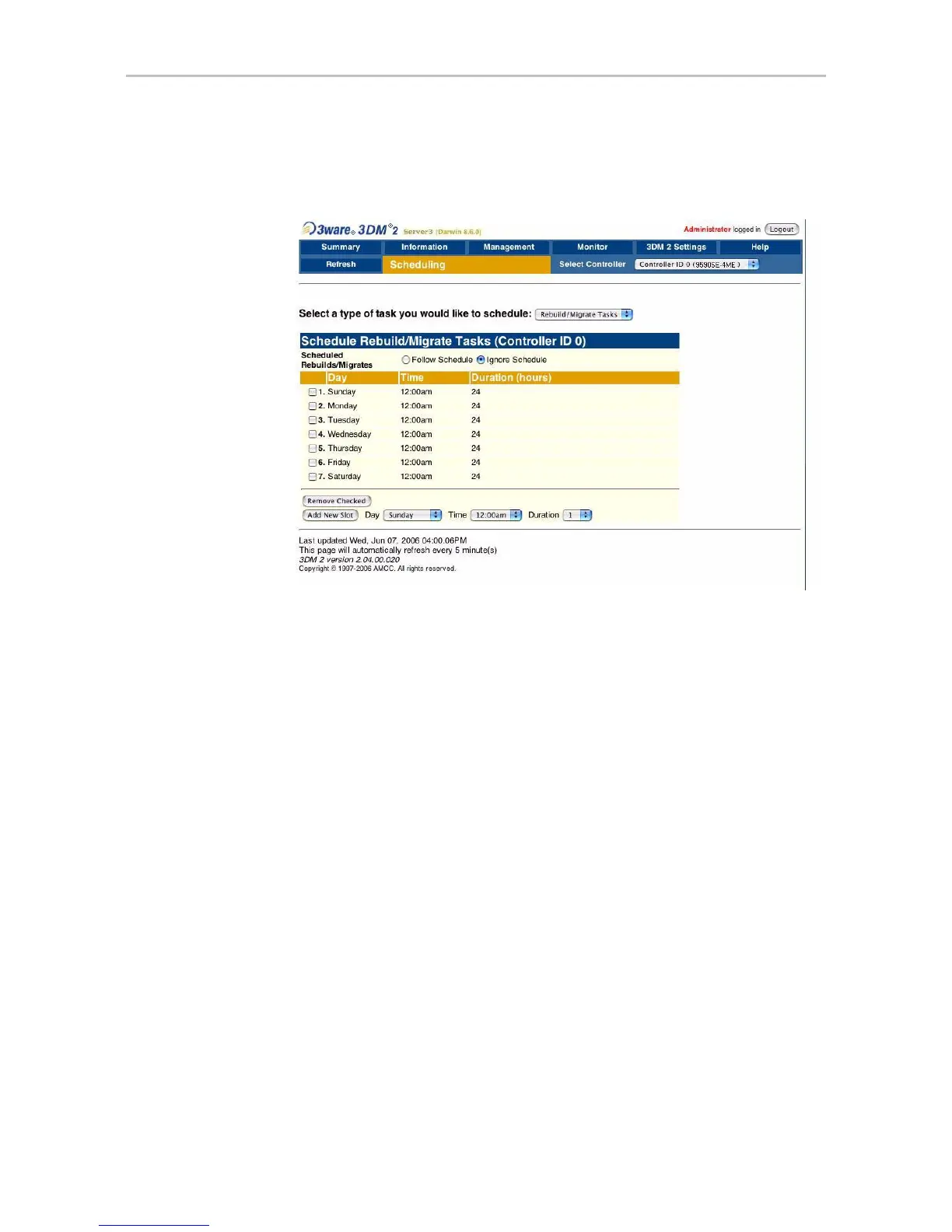
Scheduling page
www.3ware.com 199
Scheduling page
Figure 95. Scheduling Page
The Scheduling page appears when you choose Management > Scheduling
from the menu bar.
The Scheduling page lets you set up a schedule for when background tasks
(rebuild, migrate, initialize, verify, and self-test) should occur. Background
tasks can have impact on the performance of your system, so you may prefer
to schedule them at times when they will be least disruptive, such as in the
middle of the night or on a weekend.
Select a type of task you would like to schedule. You start by selecting the
type of task for which you want to set the schedule from the drop-down list at
the top of the page.
• Rebuild/migrate tasks (also applies to initialization)
• Verify tasks (also applies to media scans)
• Self-tests
3DM then updates the page to show you schedule details for that type of task.



 To Next Page