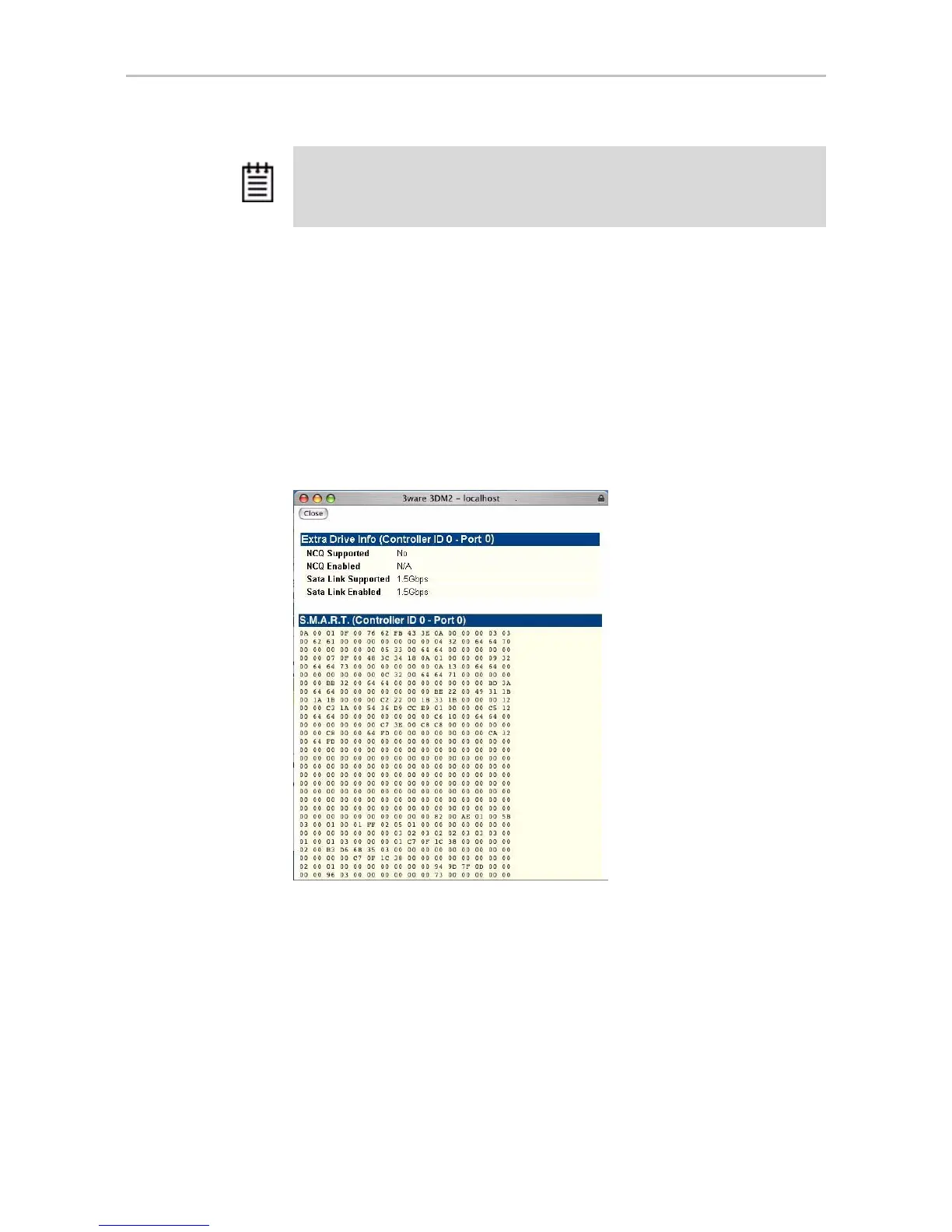
Drive Details window
www.3ware.com 193
Identify. Check this box to cause the LED for this drive to blink in the
enclosure. (This feature only applies when drives are in a 3ware Sidecar or an
enclosure that has a supported Chassis Control Unit (CCU) and is connected
to the I
2
C Chassis Control connector on the 9550SX, 9590SE, or 9650SE
controller.)
Drive Details window
Figure 93. S.M.A.R.T. Data Page
The Drive Details window appears when you click a Port # on the Drive
Information page.
This Drive Details window shows some Extra Drive Information, including
NCQ and SATA Link Speed support, and the SMART data for the drive.
Extra Drive Information
NCQ Supported and NCQ Enabled. Some drives support NCQ (Native
Command Queuing), which can result in increased performance for some
Note: In most cases, the status of the drive will not correspond to the status of the
unit, shown on the Unit Information page. Different status information is provided for
drives and for units.



 To Next Page