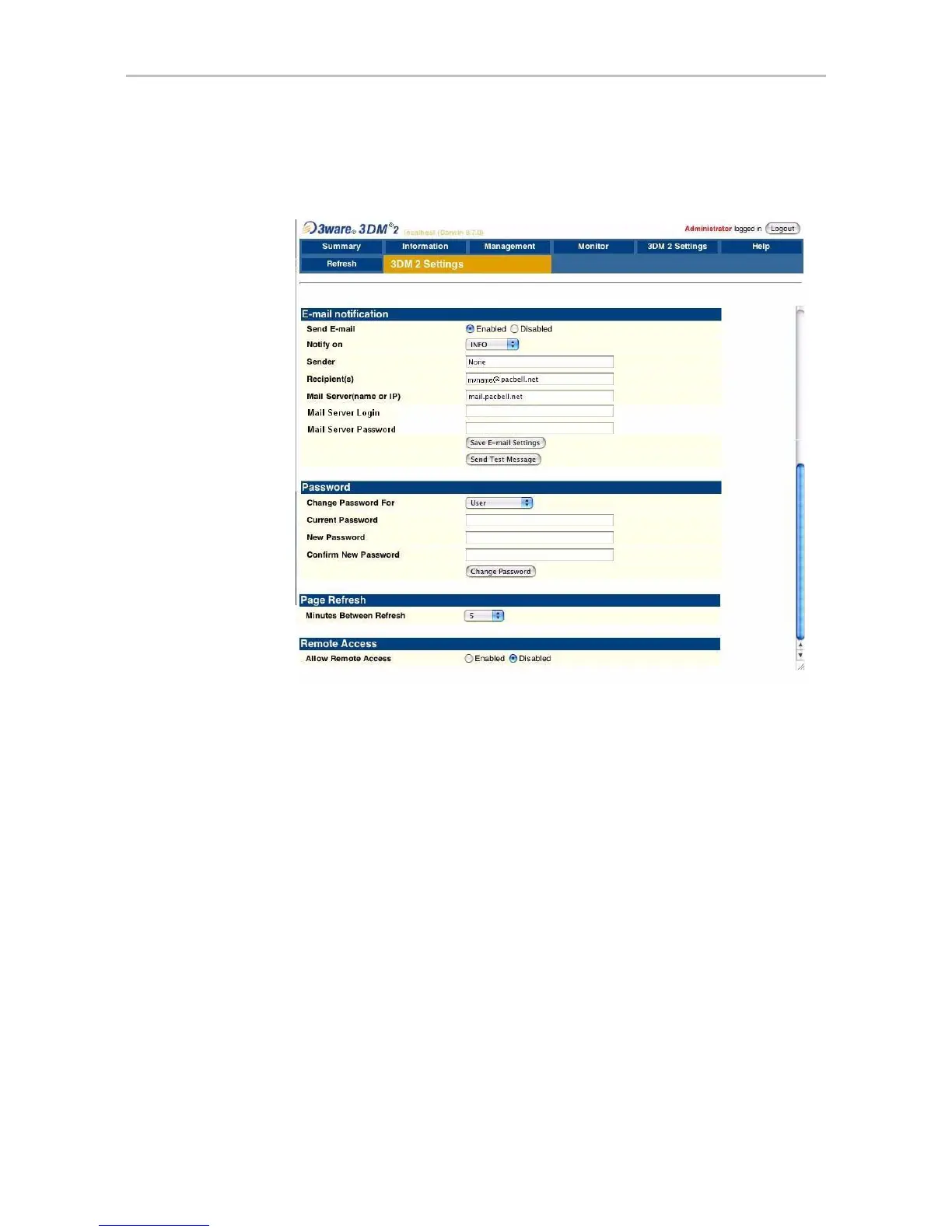
3DM 2 Settings page
www.3ware.com 215
3DM 2 Settings page
Figure 103. 3DM 2 Settings Page
The 3DM 2 Settings page appears when you click 3DM 2 Settings on the
menu bar. Use this page to set preferences, including email notification for
alarms, passwords, page refresh frequency, whether remote access is
permitted, and the incoming port for 3DM to listen for requests.
The initial settings for most of these preferences are specified during
installation of 3DM.
Information about the 3DM 2 Settings page is organized under these
headings:
• E-mail Notification
• Password
• Page Refresh
• Remote Access
• HTTP Settings



 To Next Page