Chapter 9. Maintaining Units
140 3ware Serial ATA RAID Controller User Guide
WinAVAlarm is a stand-alone utility and does not require 3DM to be running,
unlike e-mail notification. After it is installed, an icon for it appears in your
System tray.
To change the alert utility settings
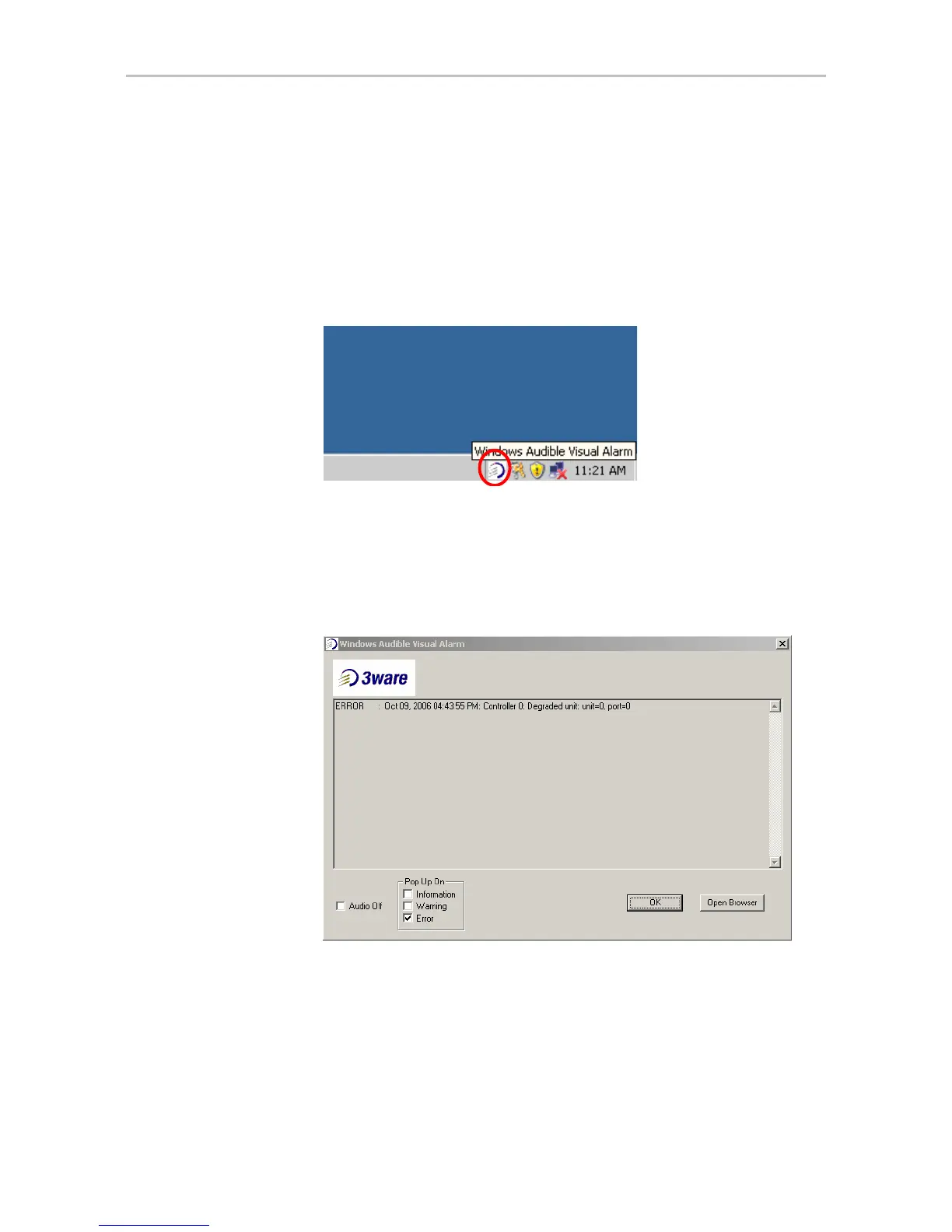
1 Double-click on the WinAVAlarm icon in the system tray.
Figure 59. WinAVAlarm in the Windows System Tray
2 In the Windows Audible Visual Alarm window, select the types of alerts
you want to be notified of.
If you want to turn off the sound alarm and only have a pop-up message
appear, check the
Audio Off button.
Figure 60. WinAVAlarm Popup Window
If you wish, you can open 3DM from this window by clicking Open
Browser
. This can be useful when you receive a message, because the
3DM Alarms page allows you to easily access online help associated with
the events.
3 Click
OK to close the window and accept any changes you have made.



 To Next Page