Chapter 4. Driver Installation
34 3ware Serial ATA RAID Controller User Guide
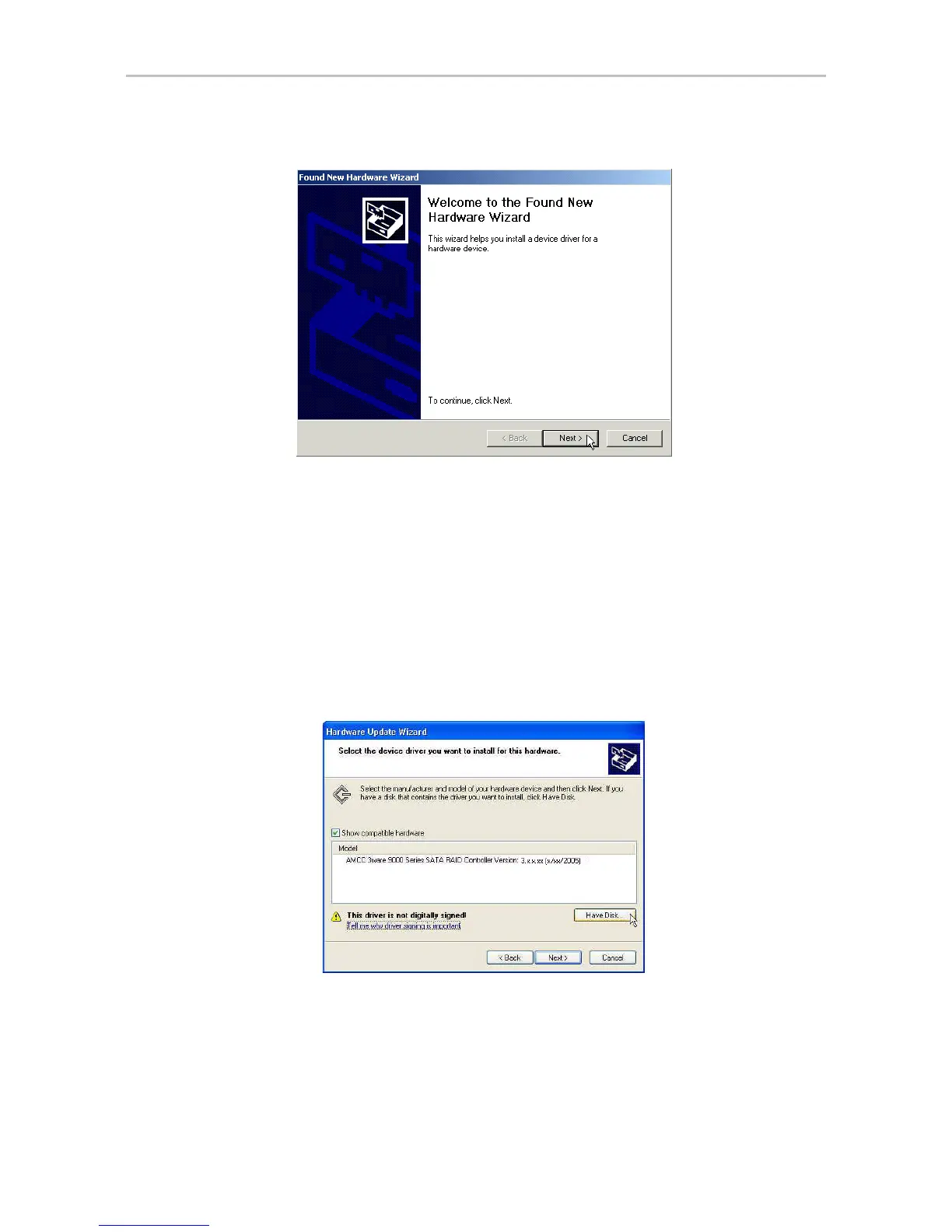
Figure 18. Found New Hardware Wizard, Windows 2000
1 Click the Next button and respond to the questions the Wizard displays
using the default selections.
2 When the Wizard prompts you to select a device driver, click Have Disk,
and then indicate that it is on the CD or floppy.
3 If the “Digital Signature Not Found” message appears, click Ye s to
continue the installation.
4 When the Completing the Found New Hardware Wizard screen appears
(Figure 19), click Finish.
Figure 19. Completing Found New Hardware Wizard
5 If the “Completing” screen (Figure 19) indicates that you should restart
your computer, do so now.



 To Next Page