Chapter 5. 3ware BIOS Manager 2 (3BM 2) Introduction
64 3ware Serial ATA RAID Controller User Guide
To change BIOS settings
1 On the main 3BM screen,
Tab to Settings and press Enter.
2 On the pop-up menu, select BIOS and press Enter.
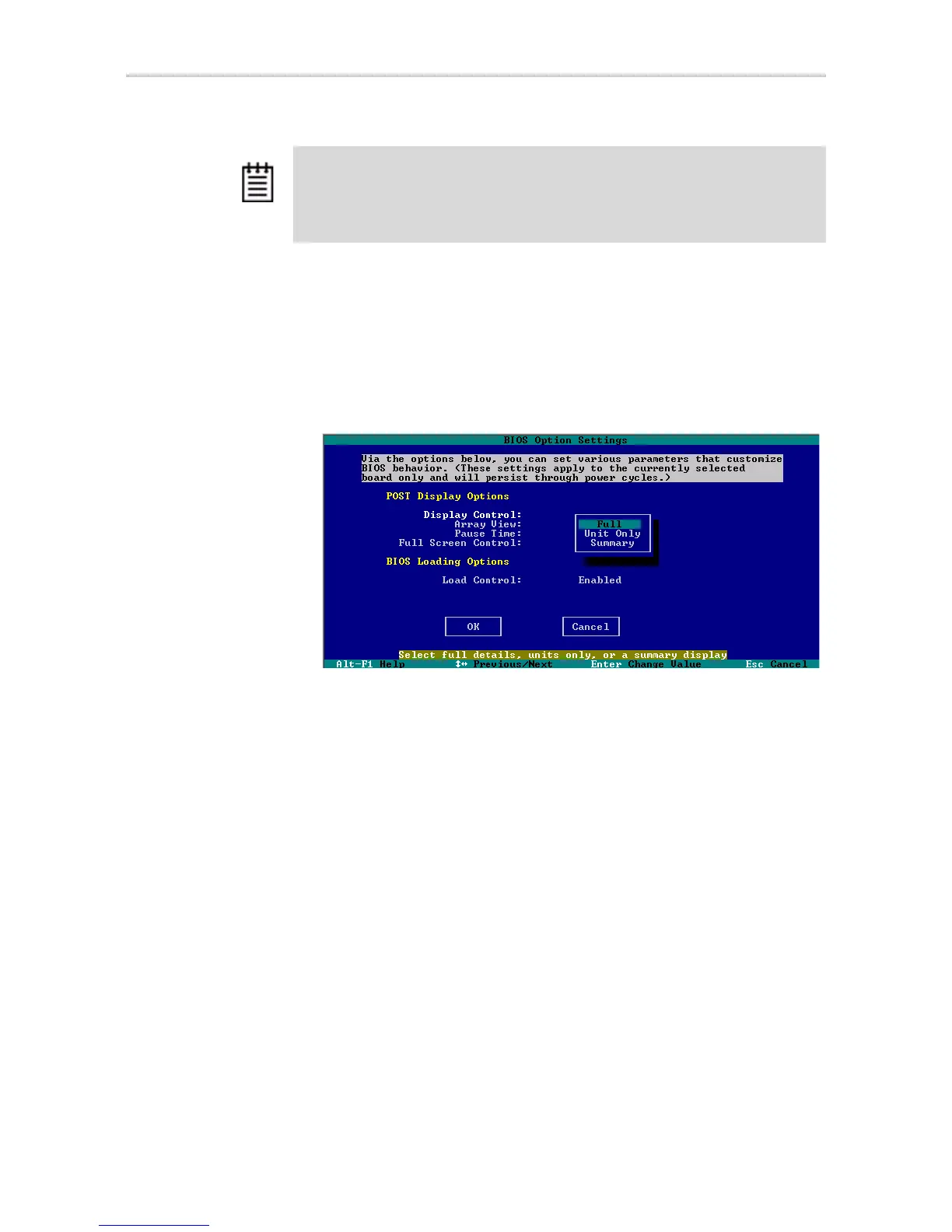
The BIOS Options Settings screen appears.
Figure 31. BIOS Option Settings Screen
3 Tab through the options and make the desired changes.
4
Tab to OK and press Enter to return to the main screen.
Note: During the boot process, you can also bypass loading of the BIOS for all
controllers for one time only by pressing Alt-B. This is useful to temporarily boot
from a non-3ware device without having to change the system’s boot order.



 To Next Page