Using Auto-Carving for Multi LUN Support
www.3ware.com 87
The main use of auto-carving is to gain use of the full capacity in units greater
than 2 TB. This is because Windows 2000, Windows 2003 (
32-bit and 64-bit
without SP1), Windows XP (32-bit), and FreeBSD 4.x, do not currently
recognize unit capacity in excess of 2 TB.
You must turn on the Auto-Carving policy before creating the unit. Units
created with this policy turned off will not be affected by a change to the
policy. If the policy is turned off later, units that have been carved into
volumes will retain their individual volumes; existing data is not affected.
To use auto-carving
1 Enable the auto-carving feature. You can do so using 3DM or 3BM.
In 3DM, enable Auto-Carving at the bottom of the
Management >
Controller Settings
page.
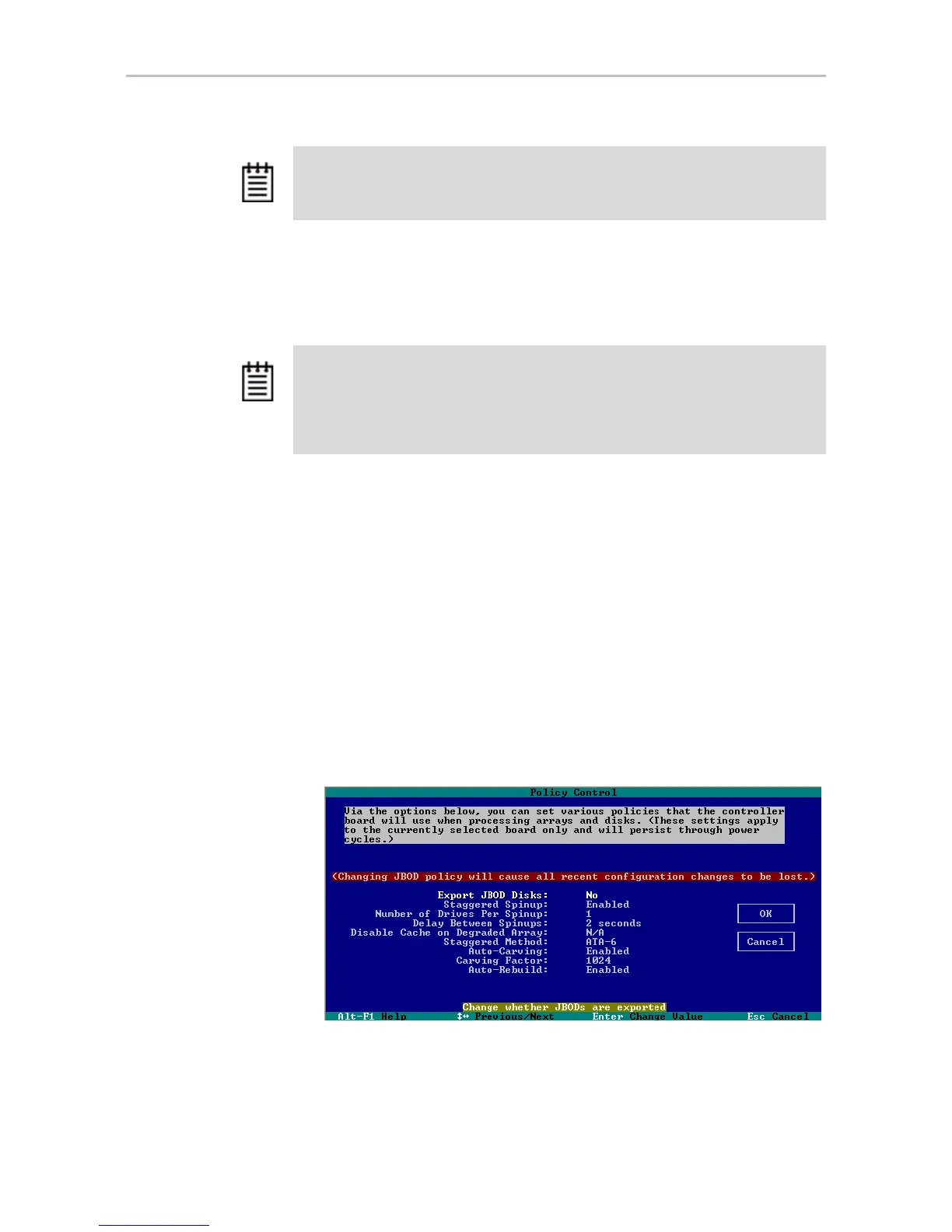
In 3BM, you enable Auto-Carving on the
Settings > Controller Policies
page.
Figure 41. Auto-Carve policy in 3BM
2 Create a new unit or migrate an existing unit to include the drives you
want to use.
Note: Using auto-carving can have an impact on performance.
Note: Operating systems without this limitation include Linux 2.6, FreeBSD 5.x,
Windows XP (64bit), and Windows 2003 (32-bit and 64-bit with SP1 or newer).
Even though the Linux 2.6 kernel supports partitions larger than 2 TB, the installers
for SuSE and Redhat do not. Turn auto-carving on to prevent the installation from
failing.



 To Next Page