66
To activate Program Set Point mode the following must be done:
1. Program Set Point mode must be Enabled (see Section 5.4.15.11 a).
2. Source must be set to PSP (see Section 6.4.3).
3. Program Loop parameter must be set to desired value (On/Off).
4. Program Run parameter must be set to “On” (default settings is Off).
NOTE: Before executing, the program should be entered in the program table
(see Section 5.4.15.11 c).
51.01 litr/min
S 51.0 0.0s
CS: 1 0.0 0
M:D L:Off S: Off
Current step
time elapsed
Current fl ow rate value
Current SP value
Current program step
Program Mode: E/D
Program Loop Mode: On/Off
Program Run Status: On/Off
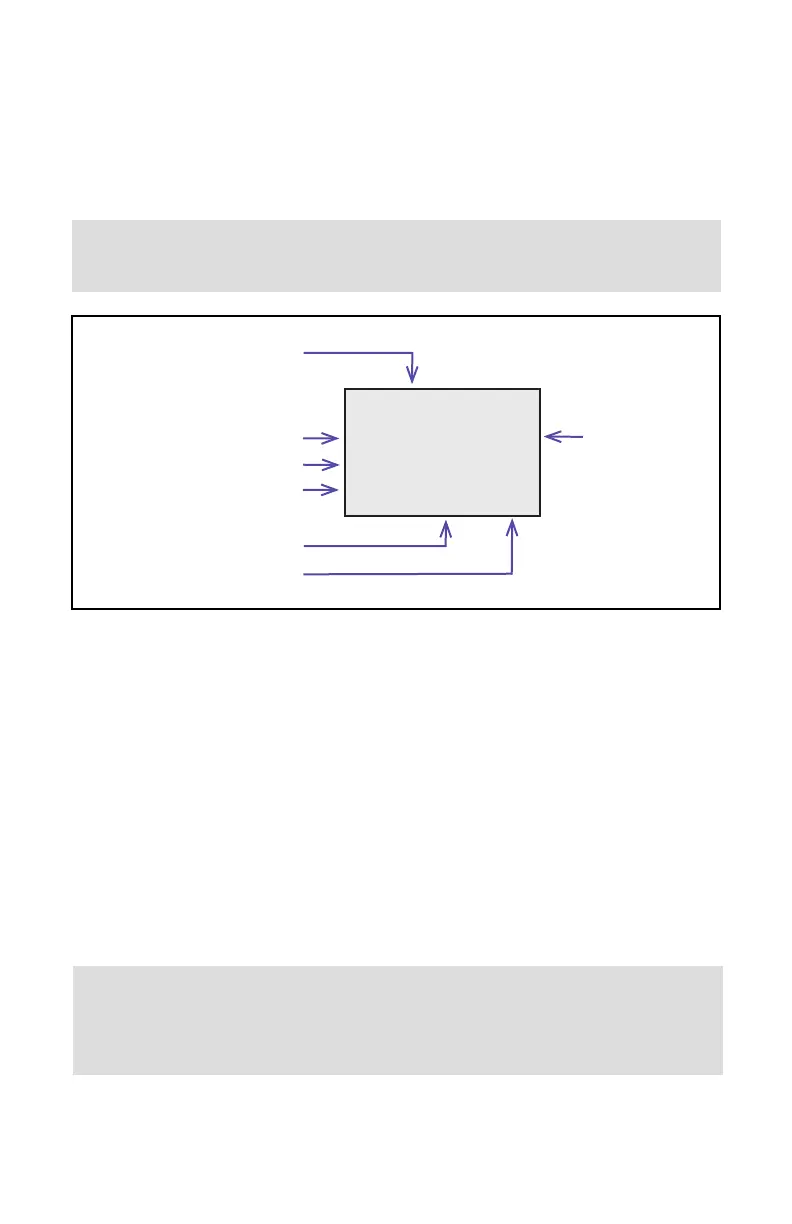
Figure 36: Instrument PI Screen #7 with PSP parameters
As shown in the Figure 36 above the Program Run Status parameter can be toggled
“On” or “Off” by pressing the Joystick LEFT button, while PI screen #7 is active. If
Program Run Status parameter is set to “Off”, the program execution will pause and
current Set Point value will freeze until Program Run status parameter is set to “On”.
6.4.16 Sensor Zero Calibration
The DPC includes an auto zero function that, when activated, automatically adjusts the differ-
ential pressure sensors to read zero. The initial zero adjustment for your DPC was performed
at the factory.
It is not required to perform zero calibration unless the device has zero reading offset with no
fl ow conditions or the absolute pressure sensor reading is not accurate.
NOTE: Before performing Zero Calibration, make sure the device is powered up
for at least 15 minutes and absolutely no fl ow condition is established. For
better results, it is recommended that you start Auto Zero at least 30 minutes
after power was applied to the instrument.



 To Next Page