80
6.5 Multi-Functional Push-Button Operation
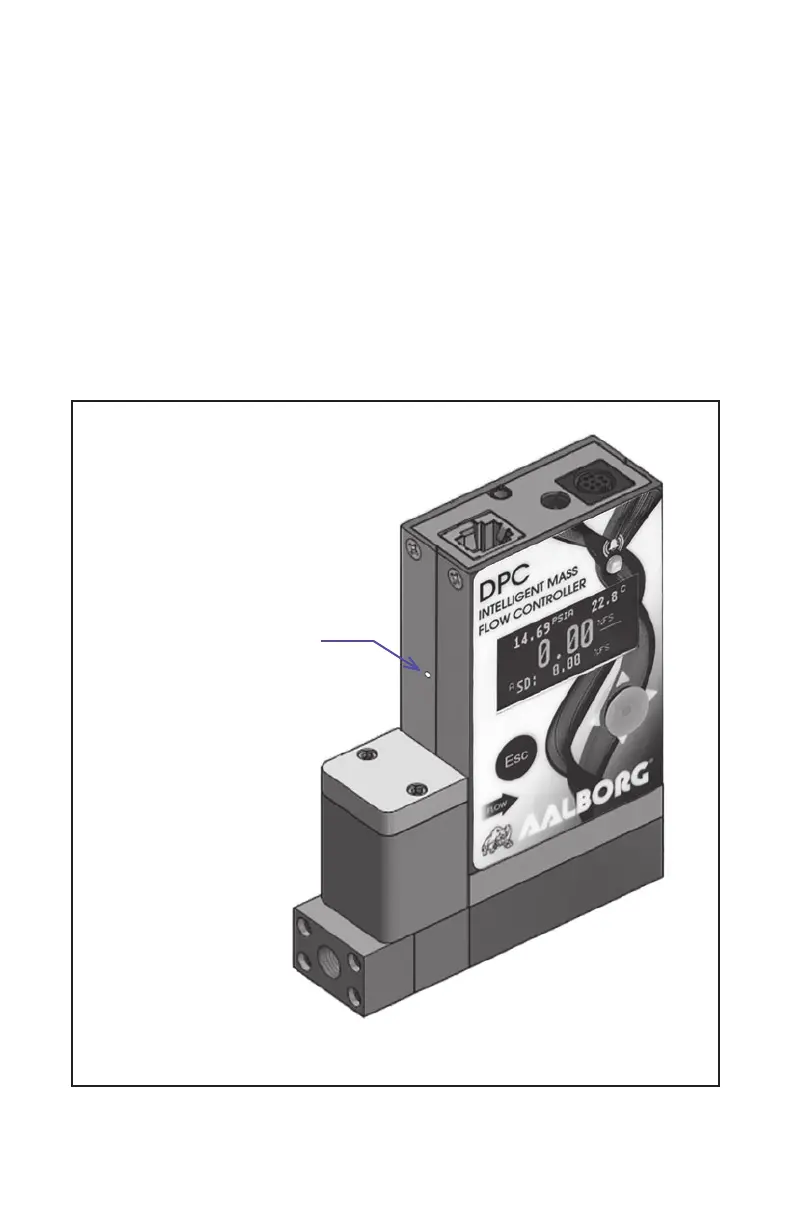
The DPC provides the user with a micro push-button switch accessible via a small hole on
the left side of the instrument (see Figure 59), which can be used to select/start some impor-
tant actions for the instrument. The micro push-button switch functionality is available on all
DPC models in both analog and digital operation mode.
Pressing a switch briefl y (< 6 sec) will not cause unwanted actions but will provide the cur-
rently selected mode for this instrument’s communication port. The response will be with
one of three signals, as indicated below:
1 time AMBER fl ashing - “Communication Port Disabled”
2 times AMBER fl ashing - “RS-232”
3 times AMBER fl ashing - “RS-485”
Multi-Functional
Push Button
Figure 59: DPC and Multi-Function Push-Button Access Hole
See Table XXI on the following page for explanations



 To Next Page