EasyManua.ls Logo

Aardvark Paylink - Example Cashless Transaction Flow

Default Icon
71 pages
Print Icon
To Next Page IconTo Next Page
To Previous Page IconTo Previous Page
Loading...
Milan / Paylink System Manual Issue 1.5 29 January 2020
CONFIDENTIAL
Not to be disclosed without prior written permission from Aardvark Embedded Solutions Ltd
Page 41 of 71
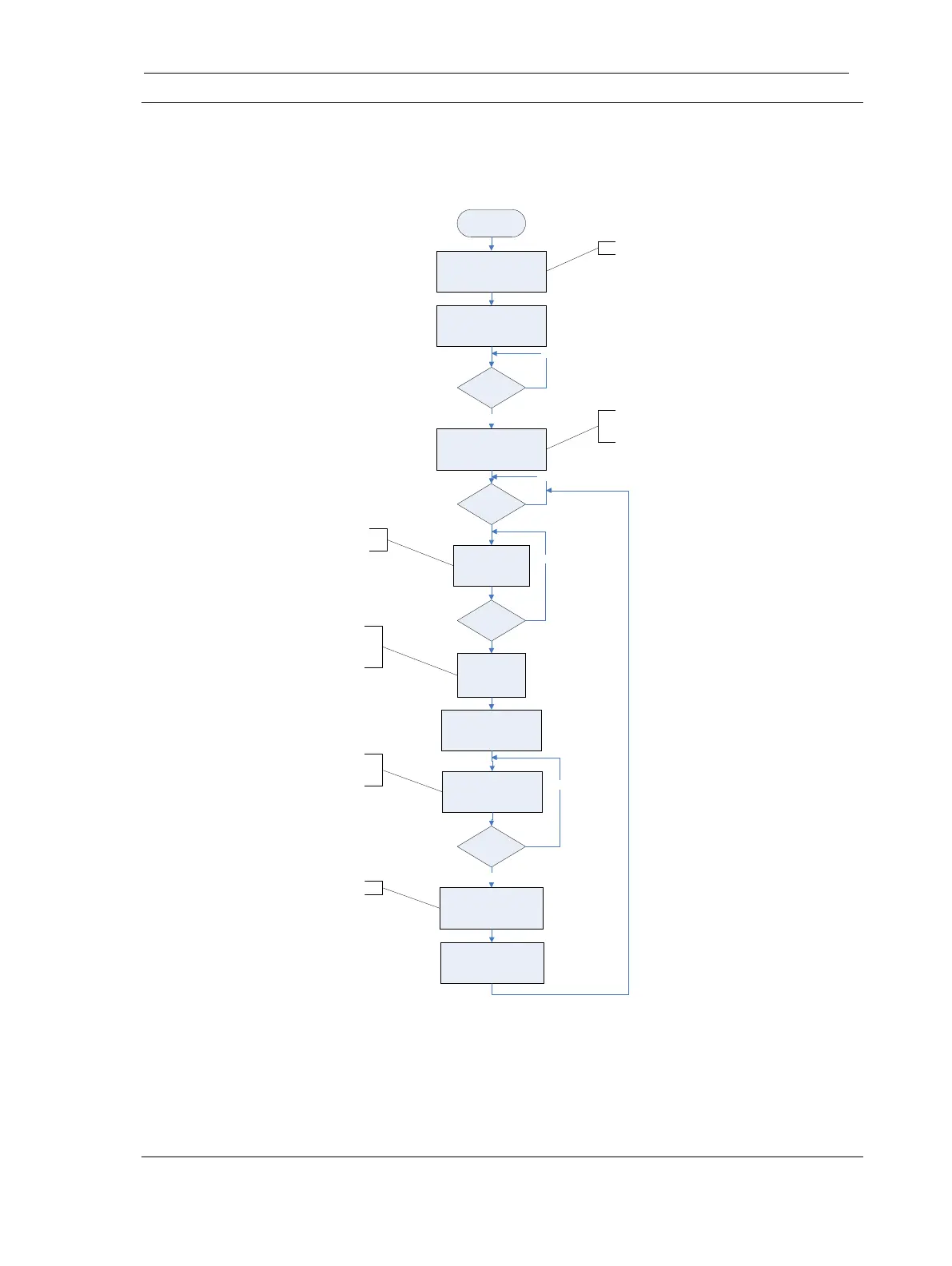
Example Cashless Transaction
The following diagram shows a typical cashless transaction for a vending application and a card
reader.
Begin
Call OpenMHE
()
Call EnableInterface
()
Call CashlessEnable
()
Reader
Ready
?
Call CashlessReadData
()
App
Ready to
Accept
?
Call
CashlessReadData
()
No
Yes
No
Card
Arrived
?
No
Call
CashlessRequestCredit
()
Customer
Chooses
Product
Call CashlessReadData
()
Credit
Available
?
No
Vend Product
and Call
CashlessTakeCredit
()
Yes
Call
CashlessReset
()
Enables the Paylink Interface
Enables the Card Reader System
Cashless acceptance is idle
Checks for card arrival,
“NFC” pushbutton pressed
or Level 3 operation
Now the application knows
the price of the product and
a request for that value can
be made
Now the application is
waiting for confirmation that
the amount is available
Commit the transaction

Table of Contents

Related product manuals