Milan / Paylink System Manual Issue 1.5 29 January 2020
CONFIDENTIAL
Not to be disclosed without prior written permission from Aardvark Embedded Solutions Ltd
Page 55 of 71
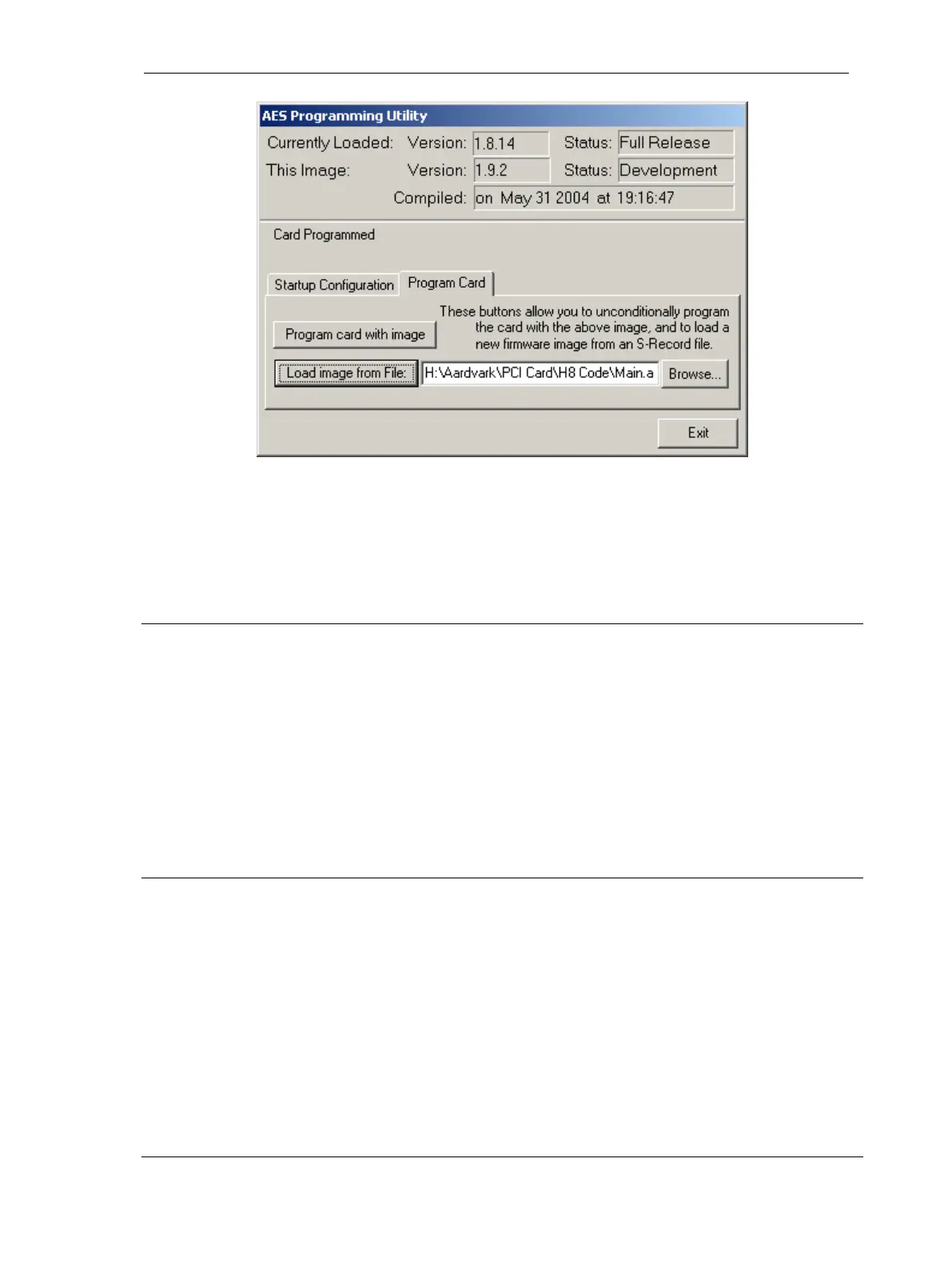
The “Program Card” option will normally only be used by expert users, or under instruction from a
support technician. The following two facilities are available:
1. The image packaged with the executable can be overwritten (for this execution only) by that
contained in a S-Record file.
2. The current image (either packaged or loaded) can be written to the Milan Interface (regardless
of whether the version matches).
Command Line Options
Three options are accepted on the command line, the first two are for use primarily from a remote
PC.
/Force - will automatically re-program the Milan unit even if the images match.
/Nogui - will never display anything on the screen and will report progress to stdout or a console
window, if either is available.
/Check - will cause the loader to exit without showing an window if the Milan firmware matches, and
has no errors.
Limitations
A limitation of this programming utility is that a functional release must be executing on the unit. In the
event that an earlier or non-functional version is loaded, the requires the use of a special serial cable,
the Hitachi programming utility FlashSimple and an S-Record (.a37) file.
For full details on using these, please contact Money Controls.



 To Next Page