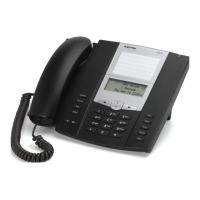
Line Keys and Programmable Keys
41-001522-00 REV00 – 04.2014 59
Conference Key
The 6863i IP phone offers two methods of conferencing:
• Local conferencing (default method)
• Centralized conferencing (for Sylantro and BroadSoft Call managers)
The Conference key allows you to create conference calls when utilizing any one of the method above.
Configuring a Conference Key
Note:
For more information with regards to creating conference calls, see “Conferencing Calls” on page 76.
Aastra Web UI
1. Click on Operation > Programmable Keys.
2. Select from Key 1 through Key 3.
3. In the Type field, select Conference.
4. Click Save Settings.



 To Next Page