+33 4 7642 9550 www.aaton.com Cantar-X User Manual v2.26 (r13) 2009 April 27
p.25
p.25
Find a file By default, BROWSE opens access to the Inter-
nal HDD and the Current Project files; to reach files located
elsewhere, first select 'Ext.HDD' in SESSION.03, then a proj-
ect in SESSION.01.
Select a Day by [jog] & [ok], the last take's filetag is displayed;
search other filetags by [jog] and [ok]. The displayed 'MB' is
the size of only one of the tracks of the group.
Edit metadata Scene, take, take-type, comments, track-
names and tape-ref can be edited through [shift] [silver], ex-
actly like in PPR (p.20). An individual file can be trashed,
its .wav extension becomes .rip (latin: requiescat in pace); it
disappears from the backup list but remains in the day fold-
er from where it can be individually or batch revived from
BROWSE (or by computer), changing .rip back to .wav.
BLUE BROWSE
Create 'Play-files'
'Rec&Play' p.48
For Rec&Play to play a file, it must have been indexed as a
Play-file in BLUE-BRWS.
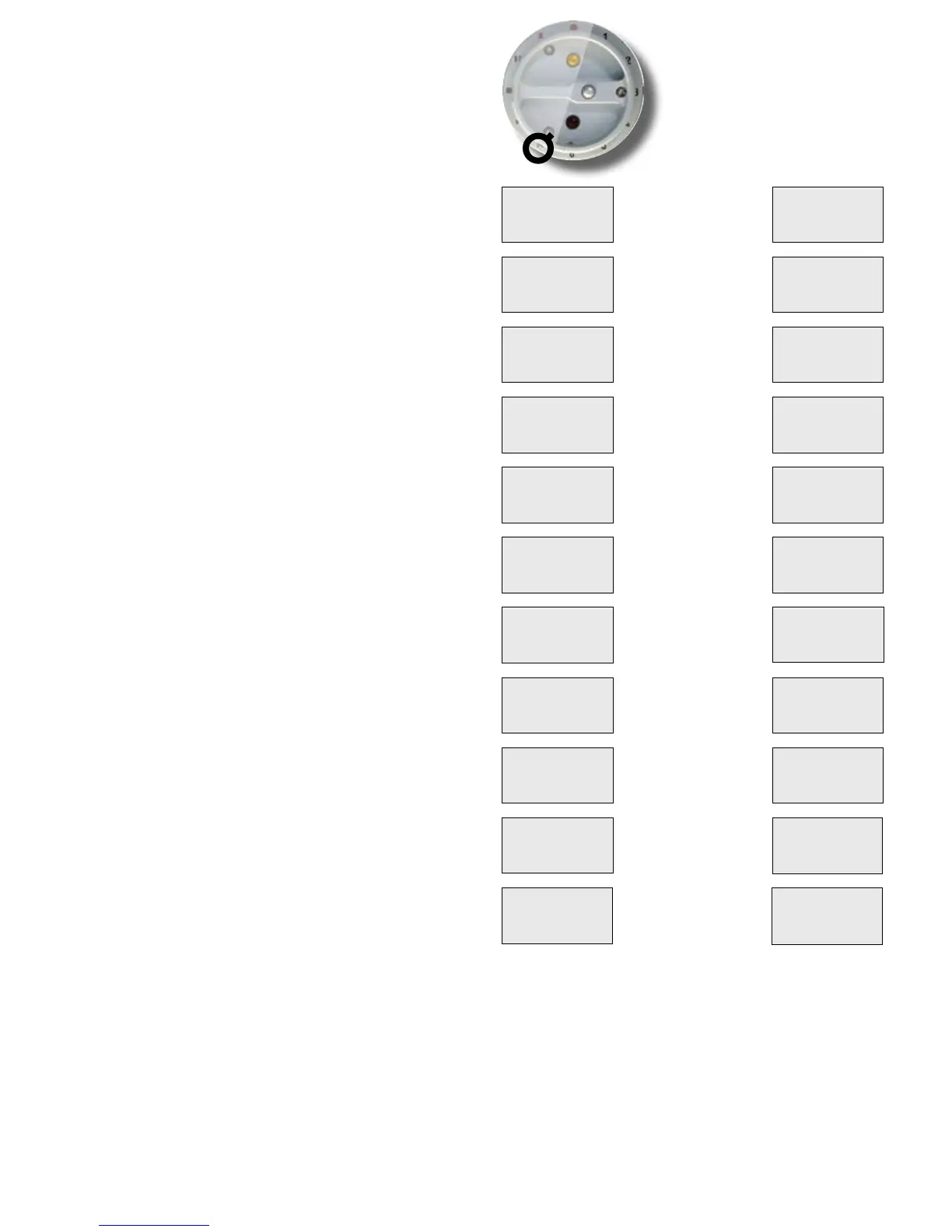
To get access to BLUE-BRWS, press
and hold the blue [shift] button while rotating the [MainSelector] to
BROWSE.
Only files located in the Current project folders or
Archive folders can be indexed.
• Current project folders
A B indexes (see opposite column) are applicable to the
current project/current day folder. C D E F indexes are ap-
plicable to the current project/any day folders.
• Archive folders
G H I J K L indexes are applicable to one of the Archive fold-
ers. An Archive folder is a 'One drive, one title, one work-
day' folder containing music, songs, wild tracks Play-files,
whatever their internal date and time of origination.
To be Cantar playable, audio files must contain iXML
v1.50a headers. To 'Cantarize' WAV files coming from
any digital recorder, read the Majax imanual page 4.
note1: to convert 44.1kHz MP3 or FLAC into 48kHz WAV
files, use 'Sound Converter' h t t p : // www.dekorte.com/proj-
ects/shareware/SoundConverter/.
note2: to update iXML headers recorded in a pre v2.11
Cantar, clone it under an RPA In-Grid (p.28) or use Majax.
Live or clone?
In BLUE-BRWS.21 'TC mode',
• 'Live' gives access to all available Play-files. The recording
session uses the date, time and metadata of the live action.
• Clone (A) gives access to one Play-file; the recording will
use the date, time and metadata of the selected file.
note: Cantar left on STOP, the HDD goes to sleep after a time interval
set in TECHSET.16. Going to REC, the pre-record buffer compensates
for the disk spin-up, but going directly to BLUE-BROWSE causes Cantar
to display 'asleep, no disk', and apply a 'hide' tag to all your unseen
play-files! To avoid this mishap, first go to TEST, wait for the 'three-
platter' icon to show up, then go to BLUE-BRWS.
BROWSE. INDEX FILES
Current folders
Archive folder
Drive set in SESSION
(not modifiable)
Project set in SESSION
(not modifiable)
Current folder date
(not modifiable)
Select a file in above folder
[ok] gives it the A index
Select a file in above folder
[ok] gives it the B index
Select a folder date
from the project
Select a file in above folder
[ok] gives it the C index
Select a file from the folder
[ok] gives it the D index
Select a folder date
from the project
Select a file in above folder
[ok] gives it the E index
Select a file in the folder
[ok] gives it the F index
BLUE-BRWS 21
TC mode <
Clone (D)
BLUE-BRWS 01
Drive
Internal
BLUE-BRWS 02
Project
Shadows
BLUE-BRWS 03
(AB)folder
2008-03-14
BLUE-BRWS 04
Index A <
SE1234 ok
BLUE-BRWS 05
Index B <
SE1205 ok
BLUE-BRWS 06
(CD)folder <
2008-01-31
BLUE-BRWS 07
Index C <
------
BLUE-BRWS 08
Index D <
SE1104 ok
BLUE-BRWS 09
(EF)folder <
2007-12-24
BLUE-BRWS 10
Index E <
SE0987 ok
BLUE-BRWS 11
Index F <
SE0980 ok
BLUE-BRWS 12
Arch Drive <
External
BLUE-BRWS 13
Arch Pject <
NeuArchv
BLUE-BRWS 14
Arch folder<
2000-01-01
BLUE-BRWS 15
Index G <
SE1234 ok
BLUE-BRWS 16
Index H
SE1205 ok
BLUE-BRWS 17
Index I <
SE1206 ok
BLUE-BRWS 18
Index J <
SE1104 n.a.
BLUE-BRWS 19
Index K <
------ n.a
BLUE-BRWS 20
Index L <
SE0980 ok
BLUE-BRWS 22
AES loop <
Internal



 To Next Page