+33 4 7642 9550 www.aaton.com Cantar-X User Manual v2.26 (r13) 2009 April 27
p.52
p.52
Remote
To get access to all of Cantar's functions, physically set the
[MainSelector] to PPR, then click on the desired position of
the VirtualSelector (yellow circle turns red) (11).
Rec&Play
The VirtualSelector turns blue when
a Rec&Play 'BLUE' function is
called by pressing the keyboard
or Cantar [shift] button. The panel
(12) is used to select and activate
the play-cards.
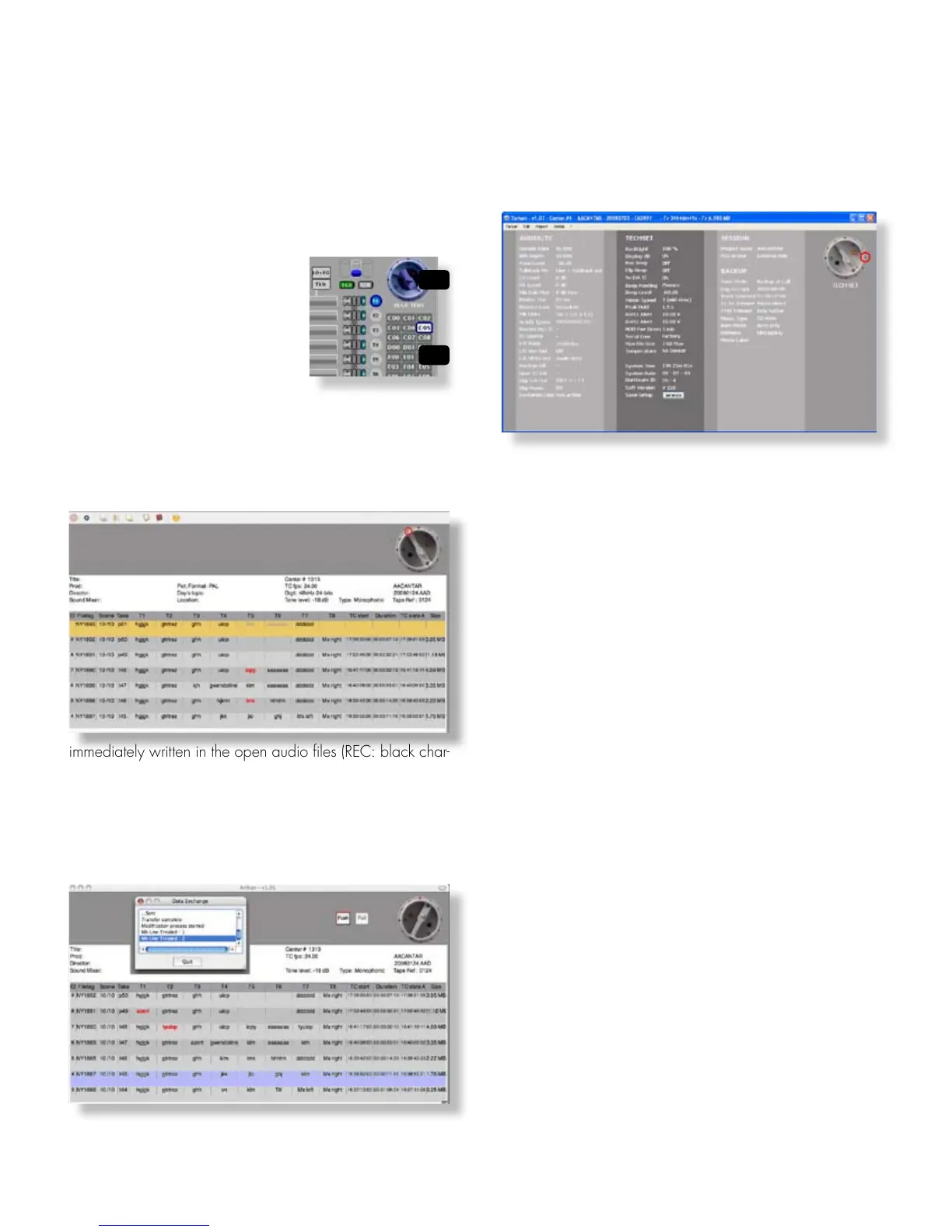
metadata screen
For paradigm consistency, metadata are presented in the
same lay-out as the Cantar Sound-Report ((except that the
most recent takes are on top of the page). They are either
immediately written in the open audio files (REC: black char-
acters on yellow background, PPR: orange background),
or stored in a buffer memory if the files are closed or inac-
cessible (red characters on grey background), waiting to
be 'pushed' to the connected Cantar in physical or virtual
BROWSE positions.
Access to the 'Metadata' screens is allowed on the positions
where the MainSelector bottom becomes dark grey; double
click on the selector itself.
operands screen
This screen displays the AUDIO/TC, TECHSET, SESSION
and BACKUP parameters. TECHSET 'Save Setup' stores the
saved parameters in the Cantar memory.
note1: Download TAW1xx (Win-XP) or TAM1xx (Mac OS-X
10.4.11+) from the Aaton software site. Tarkan's display
requires a minimum of 1024*600 pixels, this fits netbooks
such as the Asus Eee-902.
note2: To insure smooth communications with Cantar:
• Disable the firewall. Consult your Mac manual since
the procedure is different for OS-X 10.4 (Tiger) and 10.5
(Leopard). Either 'allow all connections' or 'allow specific'
i.e. Tarkan.
• Make sure that no TCP/IP activity is occurring: turn 'OFF'
the Bluetooth and WiFi transmitters. You could use the WiFi
link only if Cantar is connected to a WiFi access-point, e.g.
Apple, Belkin, D-link, Linksys, Netgear, etc.
• Quit Skype and all widgets which are continuously scan-
ning the internet.
note3: A PDF/CSV sound-report builder is implemented in
v1.10. Generating the PDF then mailing it from Tarkan saves
time at wrap up.
COMPANIONS TARKAN (2)
12
11



 To Next Page