16
Menu Screens
Chapter 3
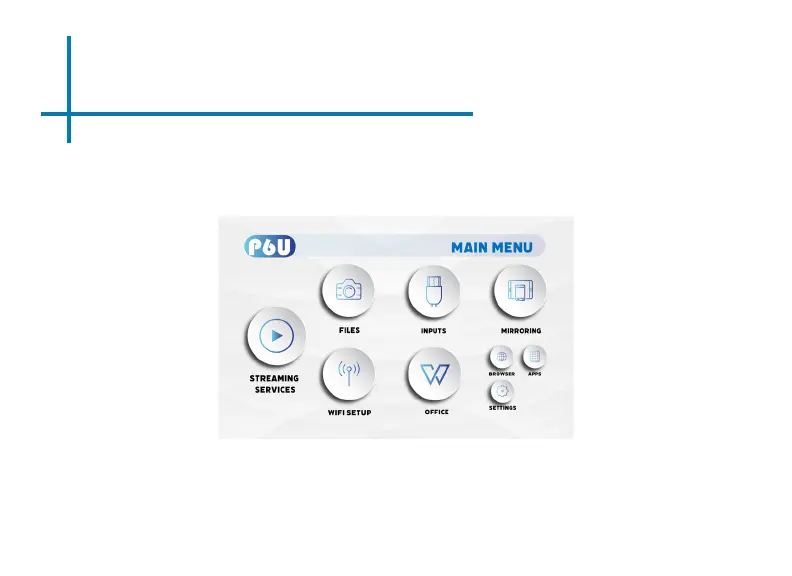
Main Menu
The P6U features an Android 9.0 Operating System. This powerful operating system allows
users to (1) Connect to WIFI (2) Stream Content (3) Play Videos/Pictures/Media (4) Mirror
Smartdevices (5) View and Edit MS Oce and PDF les (6) Browse internet (7) Load Apps.
• Press the left and right directional buttons to choose an icon from the main menu.
• To select a menu option, press the “OK” button in the middle of the navigation pad.
• To go back to the previous screen, press the “Back” button.
• To Jump back to the submenu, press the “Menu” button once.
• To return to the main menu, press the “Return” button twice.















 To Next Page