35
Adjusting Keystone
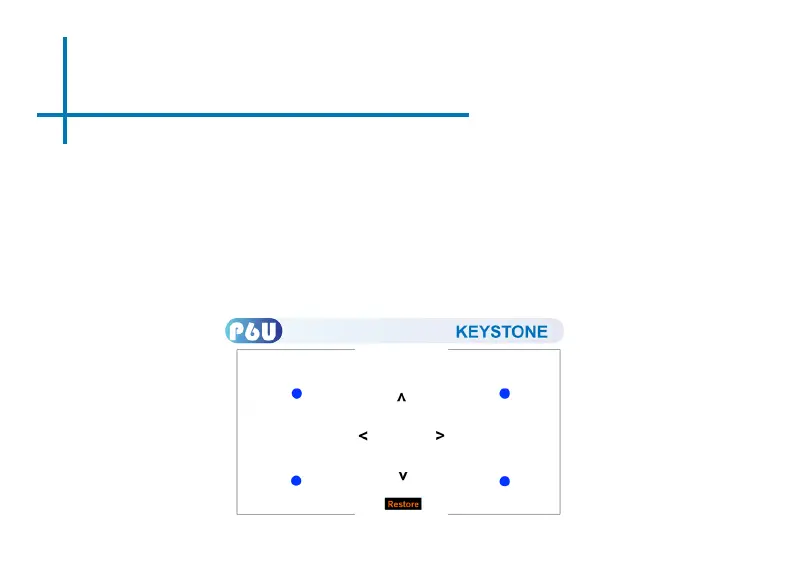
1. The P6U features 4-way adjustable keystone.
2. Enter the Keystone submenu (g 1).
3. Keystone is adjusted by selection each corner of the screen and adjusting either
the X or Y coordinate. The adjustments will push or pull the screen at each
corner along the X or Y axis. The amount of correction can be selected with the
keypad or remote control.
4. User can “restore” to original.
Fig. 1















 To Next Page