41
About Menu
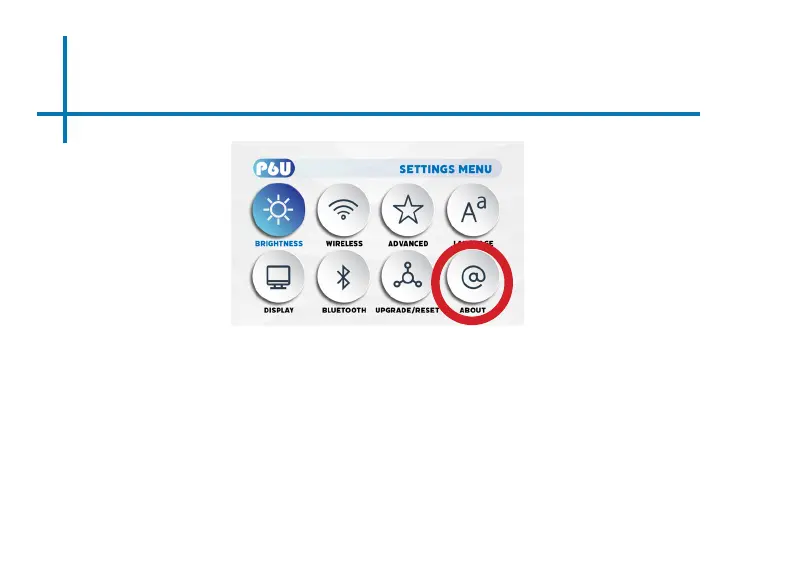
How to view P6U “About” information
• In the Settings Menu, go to the About Menu by selecting the about icon
• In the About menu, you can Update System, check Device Name, Restart, Check Status
& Legal Information, check Model Name & Android Version, check Android Security
Patch Level, Kernel version and Build.















 To Next Page