30
9.2 Range 1 Operating Page
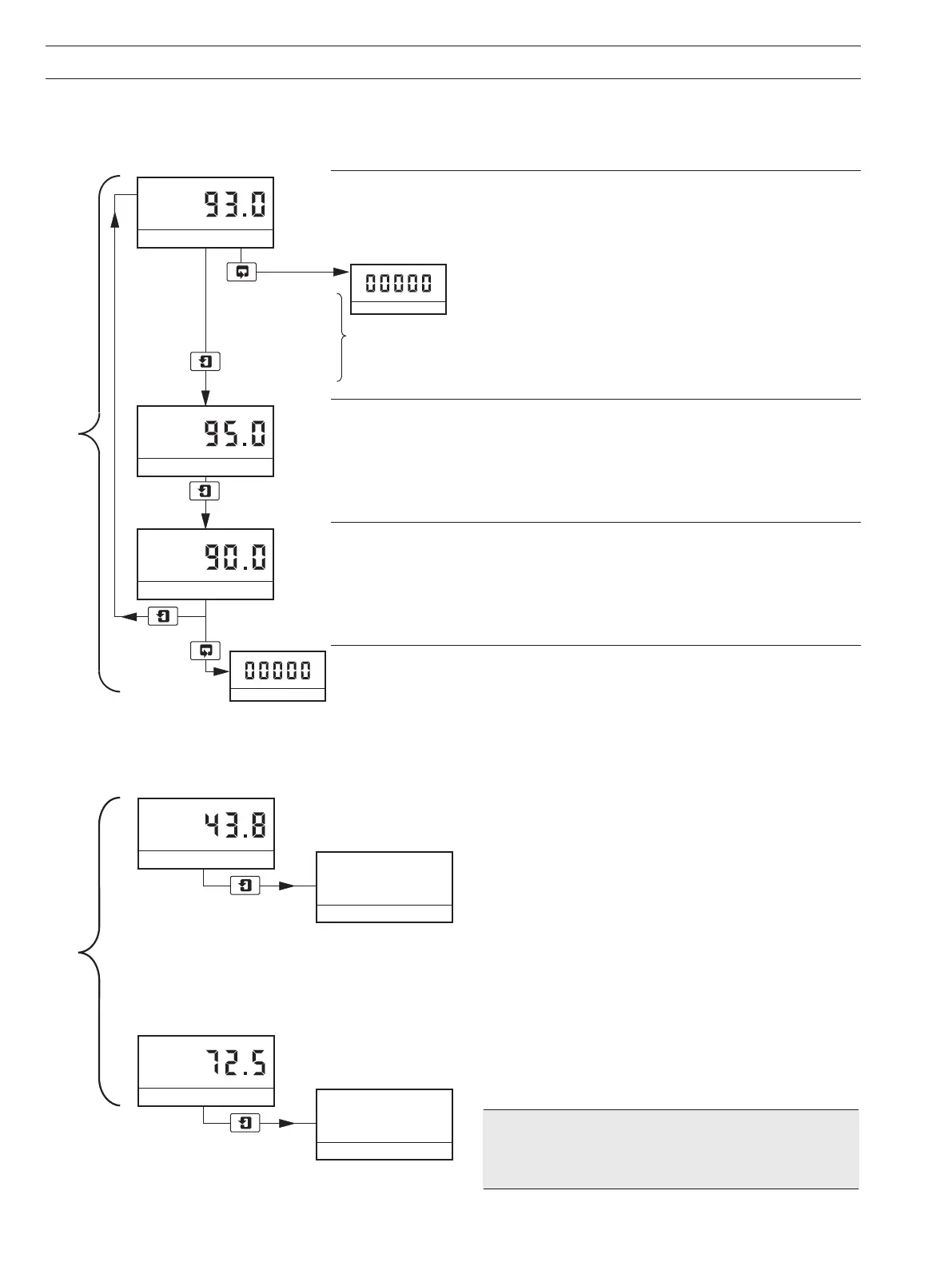
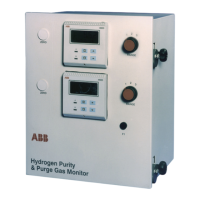
Range 1 is selected for normal operations and the Operating Page indicates the purity of the hydrogen used as a coolant. The alarm
set points can be viewed but not altered. To change the alarm set points or program other parameters refer to Section 10.
Hydrogen Purity
Shows the percentage of hydrogen in air.
These two keys are used to advance to all subsequent parameters and pages.
Alarm 1 Set Point
The set point value is programmmable – see Section 10.3,
Set Up Outputs Page.
Alarm 2 Set Point
The set point value is programmmable – see Section 10.3, Set Up Outputs Page.
Advance to Access to Secure Parameters on page 28.
9.3 Range 2 Operating Page – AK101 only
Set to Range 2 the single Alarm Set Point value may be changed, this is displayed in the Operating Page.
9.4 Range 3 Operating Page – AK101 only
Set to Range 3 the single Alarm Set Point value may be changed, this is displayed in the Operating Page.
...9 OPERATION
*Note. Purge gas options include:
CO
2
(Carbon dioxide)
N
2
(Nitrogen)
Ar (Argon)
Alarm 1 Setpoint
Alarm 2 Setpoint
Press to advance
to next parameter
Press to advance
to next page
SECURITY CODE
00000
or
SECURITY CODE
SECURITY CODE
%H2 IN AIR
%H2 IN *
AIR IN *
Upper DisplayLower Display
SPT.2 H2 IN *
xxx.x
SPT.2 H2 IN *
xxx.x


 To Next Page