6
EN
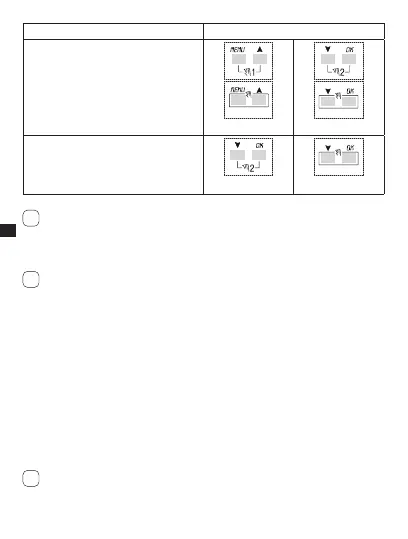
Function Combined keys
Permanent manual forcing of channel 1
and 2 (ref. subsection 3-7).
Press for 2 secs. to access PERM and
alternate pressure to change it from
PERM ON to PERM OFF.
+
+
2 secs.
+
+
2 secs.
Return to AUTO mode (if any manual
forcing has been activated).
+
2 secs.
+
2 secs.
It is necessary to be on the initial screen to carry out any of the above-
mentioned functions
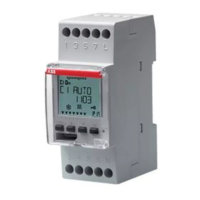
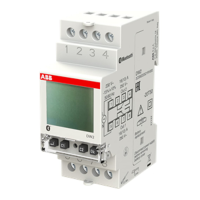
1-6 Connections
Maximum distance for external input: 100 m.
Connection of single channel and twin channel models
Ref. Fig. 5-1 to Fig.5-3.s
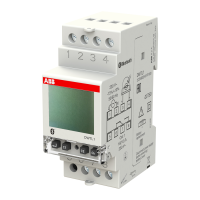
Connection of Synchro models
Single channel or twin channel Synchro models with GPS or DCF77 Antenna.
Ref. Fig. 6-1 to Fig.6-2.s
1-7 First switch ON
The equipment is supplied without any settings.
Press 1. RESET with a pointed object to unlock the equipment (ref. Fig.4).
Set following data:2.
LANGUAGESs (ref. subsection 3-8-1).
DATE/TIMEs (Year, Month, Day, Time, Time Zone (ref. subsection 3-8-2)).
If there is a power failure, the Date/Time is memorised, and the digital switch:
disables relay(s),s
deactivates back-lighting, if active,s
i
i
i



 To Next Page