Troubleshooting
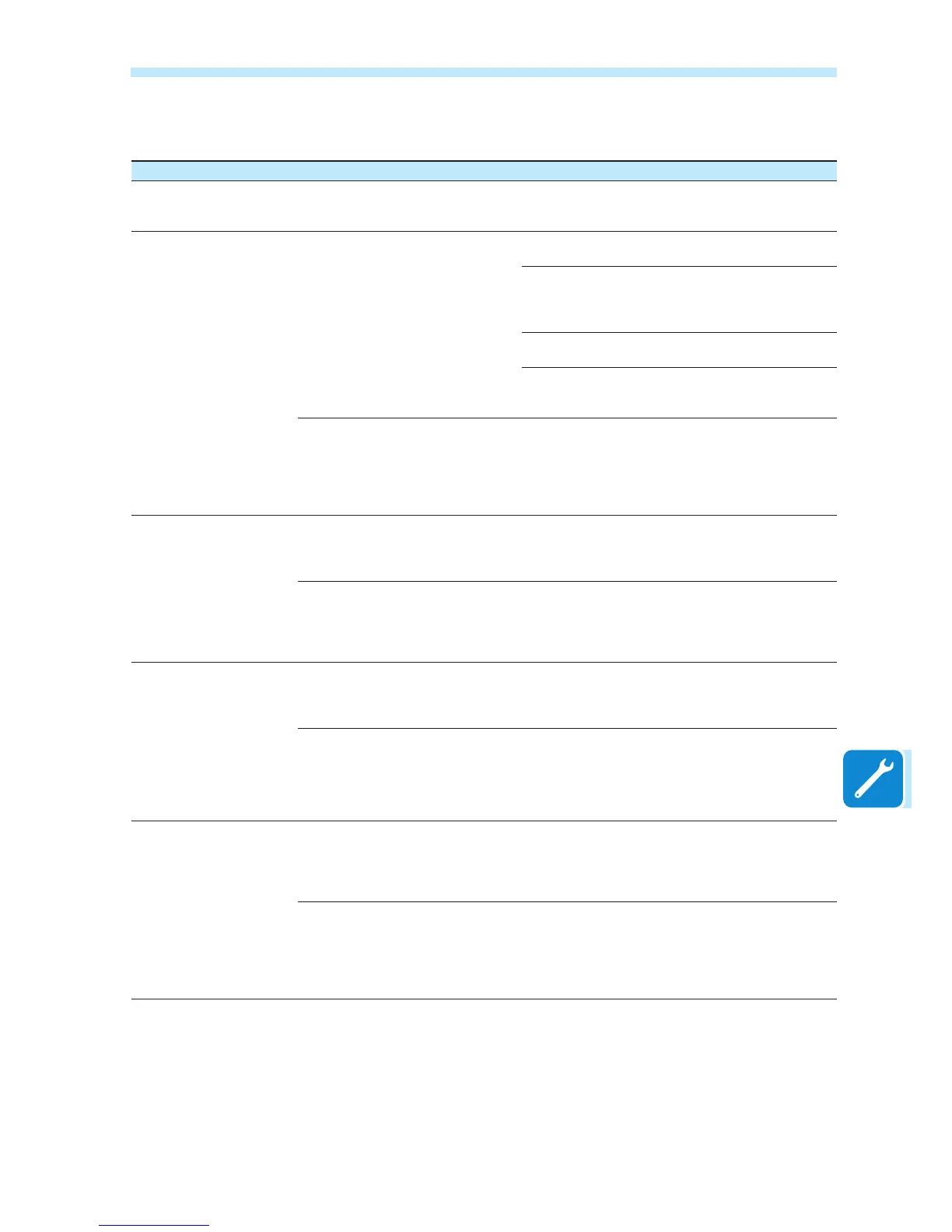
Problem Possible causes Solution
The integrated WUI cannot
be accessed
ADMIN or USER password forgotten
Reset the passwords by clicking on “Forgot your
password”; The passwords can be reset after having
entered the board “Product Key”
The VSN300 card is able to
identify a Wi-Fi network but
is unable to connect to it
The signal between the VSN300 bo-
ard and the Wi-Fi router to which the
board wants to connect is too weak
Modify the position of the antennas, the boards or the
router
Make sure that the board has not been installed near
obstacles which could affect the communication with
the Wi-Fi router (for example: metal cages or walls,
walls in reinforced concrete, electromagnetic elds)
Move the VSN300 board as close as possible to the
router
Install a Wi-Fi signal repeater in order to extend the
network to which the board is to be connected; then
connect the VSN300 board to the repeater
The Wi-Fi network to which the
VSN300 board is to be connected,
could require the user to enter a
username and password to allow
navigation (for example, with a public
Wi-Fi network or a hotel).
Unfortunately the VSN300 board cannot be con-
nected to these types of Wi-Fi networks. Connect the
VSN300 board to an alternative Wi-Fi network
The VSN300 board has not
identied the Wi-Fi network
to which connection is
required
Some initial FW versions (prior to
1.7.7) could nd it difcult to identify
or access Wi-Fi networks whose
SSID have spaces in the name
Update the VSN300 board FW or attempt to modify
the SSID of the WI-Fi network to which the board is to
be connected (for example, replacing the spaces with
”_”)
The Wi-Fi network to which the
VSN300 board is to be connected, is
set so as not to be identied (hidden
network)
The VSN300 board is not able to connect to a hidden
network. Set the Wi-Fi network to which the board is
to be connected (visible network), then identify and
connect the VSN300 board to the Wi-Fi network as
normal.
The VSN300 board does
not communicate correctly
with the inverter inside of
which it is installed (inconsi-
stency in the detected data
read by the board), or when
working in “Access Point
Mode”, connection to its
internal WUI is not in any
way possible
The Inverter Firmware version is not
amongst those which have been iden-
tied as compatible with the VSN300
board
Update the inverter FW;
The Communication Board of the
inverter could be damaged
Request a service intervention to check that the inver-
ter Communication Board is working correctly
Alternating difculties in the
local connection to the WUI
of the VSN300 board
The inverter, and therefore the
VSN300 board, might not be correctly
powered (for example, if the inverter
is switched off at night, the WUI of the
board cannot be accessed)
Access to the WUI of the board only when powered
correctly
The Wi-Fi connection signal between
the device in use and the router or
the VSN300 board, may not have
sufcient power or it may be disturbed
by obstacles which affect the commu-
nication
Make sure that the signal between the Wi-Fi devices
which interact with the board are sufciently high and
that any obstacles such as metal cages or walls, walls
in reinforced concrete or strong electromagnetic elds
do not affect communication


 To Next Page