12
Start and Use
See the Instructions for Use that came with your HeartMate II or HeartMate 3 Left Ventricular Assist
System for detailed instructions on using the HeartMate Touch Communication System.
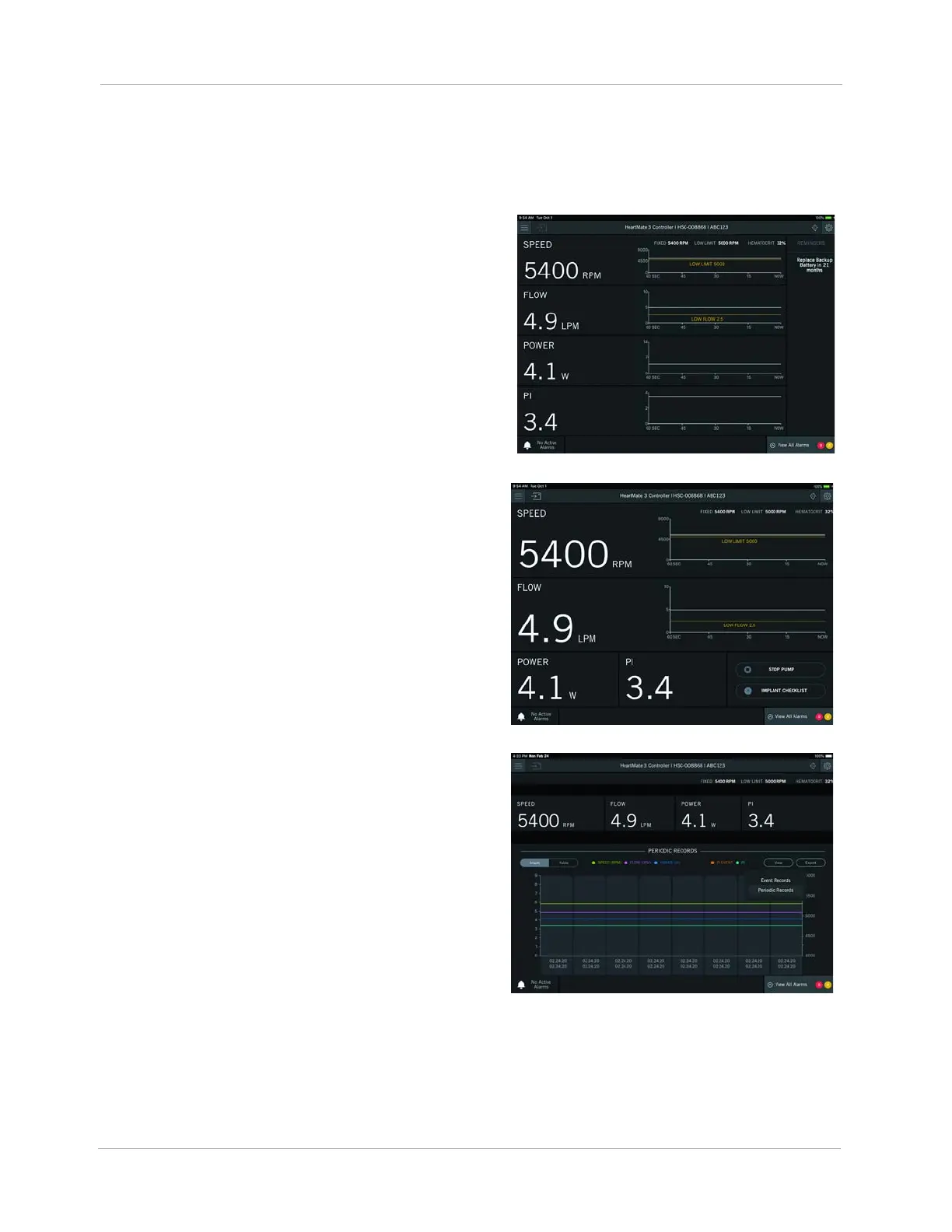
Monitor View. The Monitor view is the default
view displayed upon connection. It displays primary
operating parameters (Speed, Flow, Power, and
Pulsatility Index (PI)) with trendlines. The Monitor view
also has a Reminders panel (right). The Reminders
panel provides reminders such as when to replace
the Backup Battery.
Clinical View. The Clinical view is intended to be
used during the implant procedure. It is the only view
with the ability to start, prime, and stop the pump. It
displays the primary operating parameters (Speed,
Flow, Power, PI) with trendline information for speed
and flow.
Historical View. The Historical view displays the
event and periodic records that are stored in the
System Controller and LVAD. Primary operating
parameters (Speed, Flow, Power, and PI) are shown
at the top of the window without trendlines.












 To Next Page