24
Troubleshooting Guide
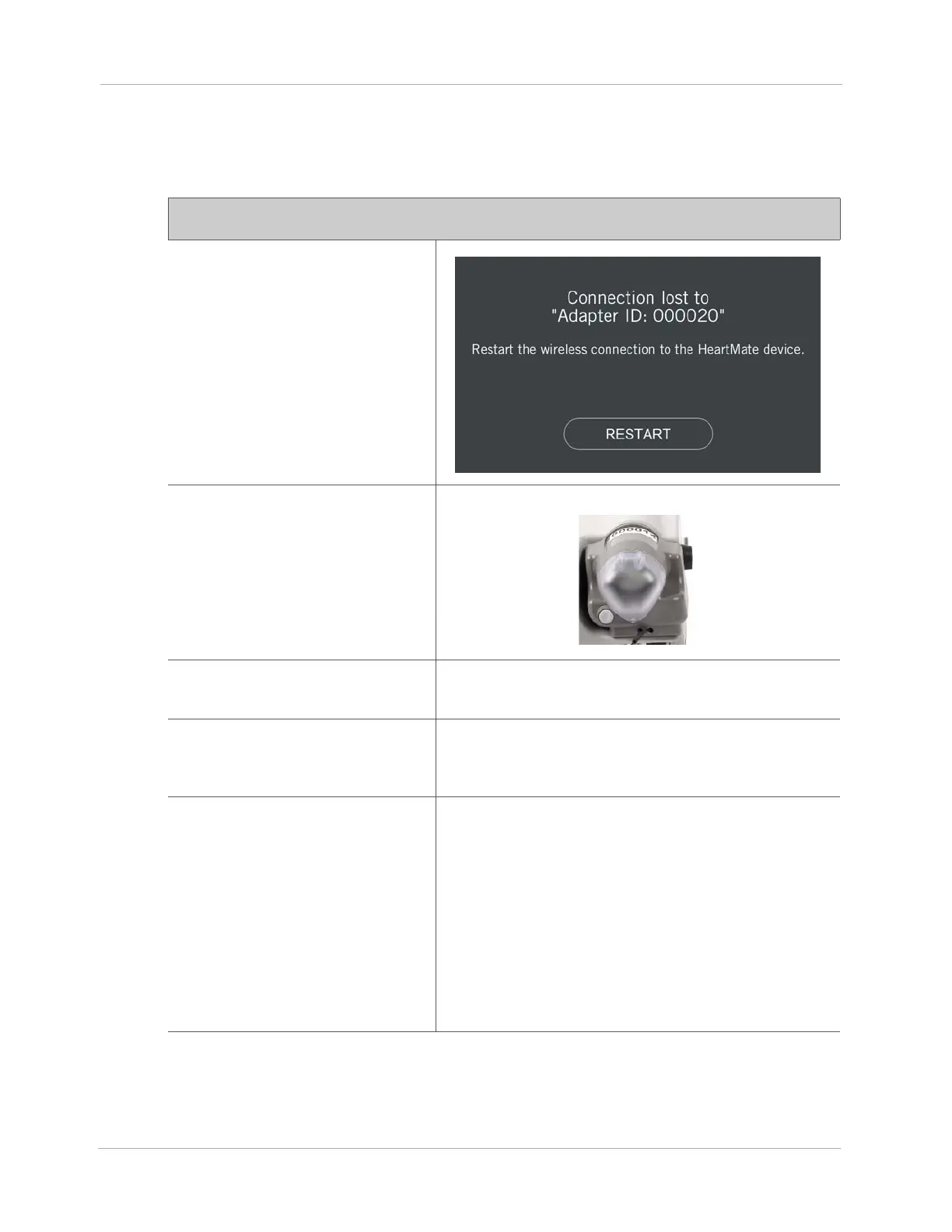
Wireless Connection Lost - HeartMate Touch App
Notification
The HeartMate Touch™ App
message:
HeartMate Touch™ Wireless
Adapter Status
Light is off.
Behavior and appearance:
HeartMate Touch App notification: Connection lost to a
Wireless Device. No audible alarms.
Notification means:
The Tablet for use with the HeartMate Touch App is no
longer wirelessly communicating with the HeartMate
Touch Wireless Adapter.
To resolve notification:
Clinicians should use the HeartMate Touch App to
reconnect to the HeartMate Touch Wireless Adapter.
1. Tap RESTART.
2. Press and hold the button on the HeartMate Touch
Wireless Adapter for 3 seconds to turn on Bluetooth
®
wireless technology. A blinking blue light appears.
3. Use the HeartMate Touch App to connect to the
HeartMate Touch Wireless Adapter.
Note:
Be sure the Tablet clock is correct.












 To Next Page