26
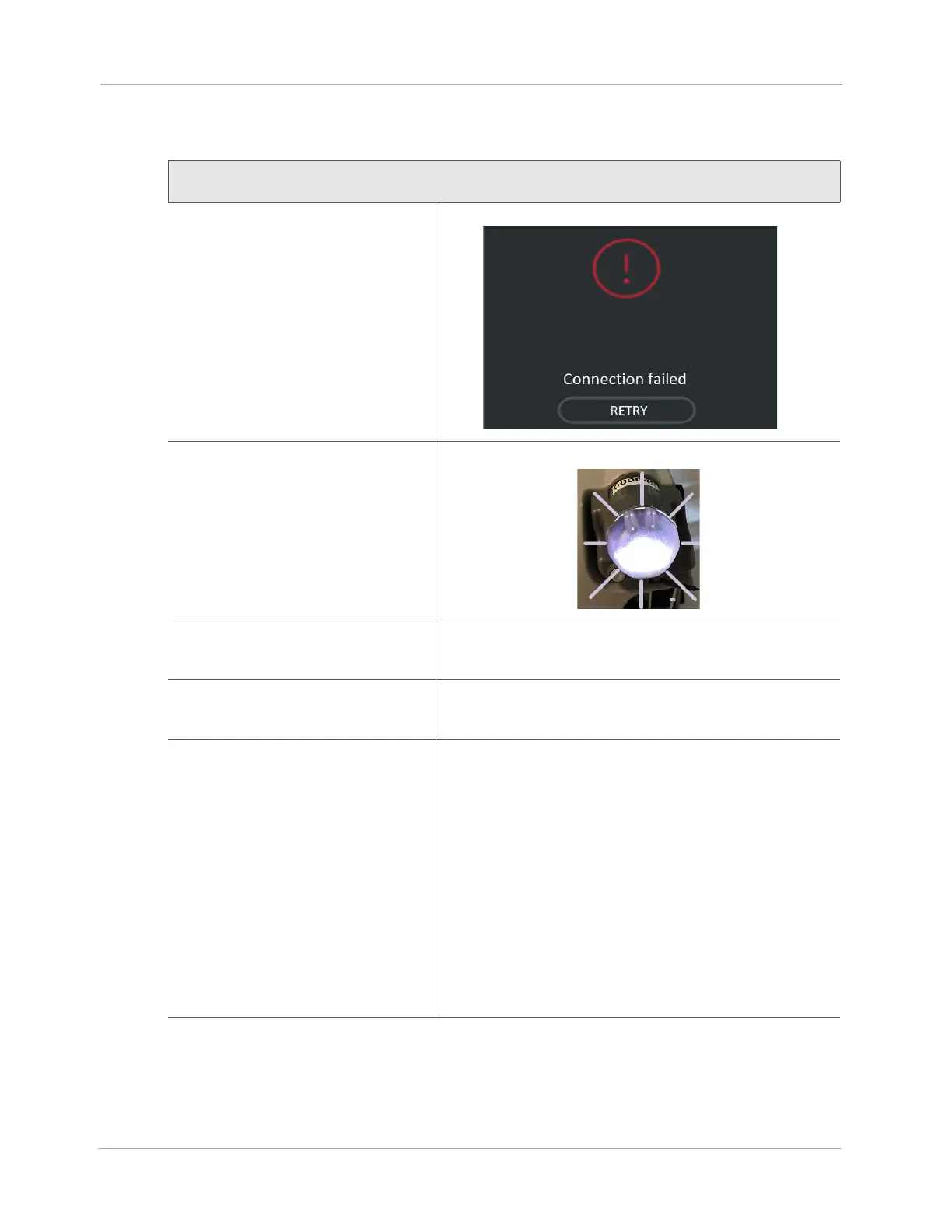
Connection Failed - HeartMate Touch App
Notification
The HeartMate Touch App
message:
HeartMate Touch Wireless
Adapter Status:
Light is off or blinking.
Behavior and appearance:
HeartMate Touch App notification: Connection failed. No
audible alarms.
Notification means:
The HeartMate Touch App connection to the HeartMate
Touch Wireless Adapter has failed.
To resolve notification:
1. Tap RETRY.
2. Quit and restart the HeartMate Touch App.
3. Remove the HeartMate Touch Wireless Adapter from
the Power Module.
4. Re-insert the HeartMate Touch Wireless Adapter into
the Power Module.
5. Press and hold the button on the HeartMate Touch
Wireless Adapter for 3 seconds to turn on Bluetooth®
wireless technology.
A blinking blue light appears.
6. Use the HeartMate Touch App to connect to the
HeartMate Touch Wireless Adapter.












 To Next Page