19
Save Files to the Flash Drive (SanDisk iXpand‡
Drive App)
You may need to accept the license agreement prior to using the iXpand Drive App.
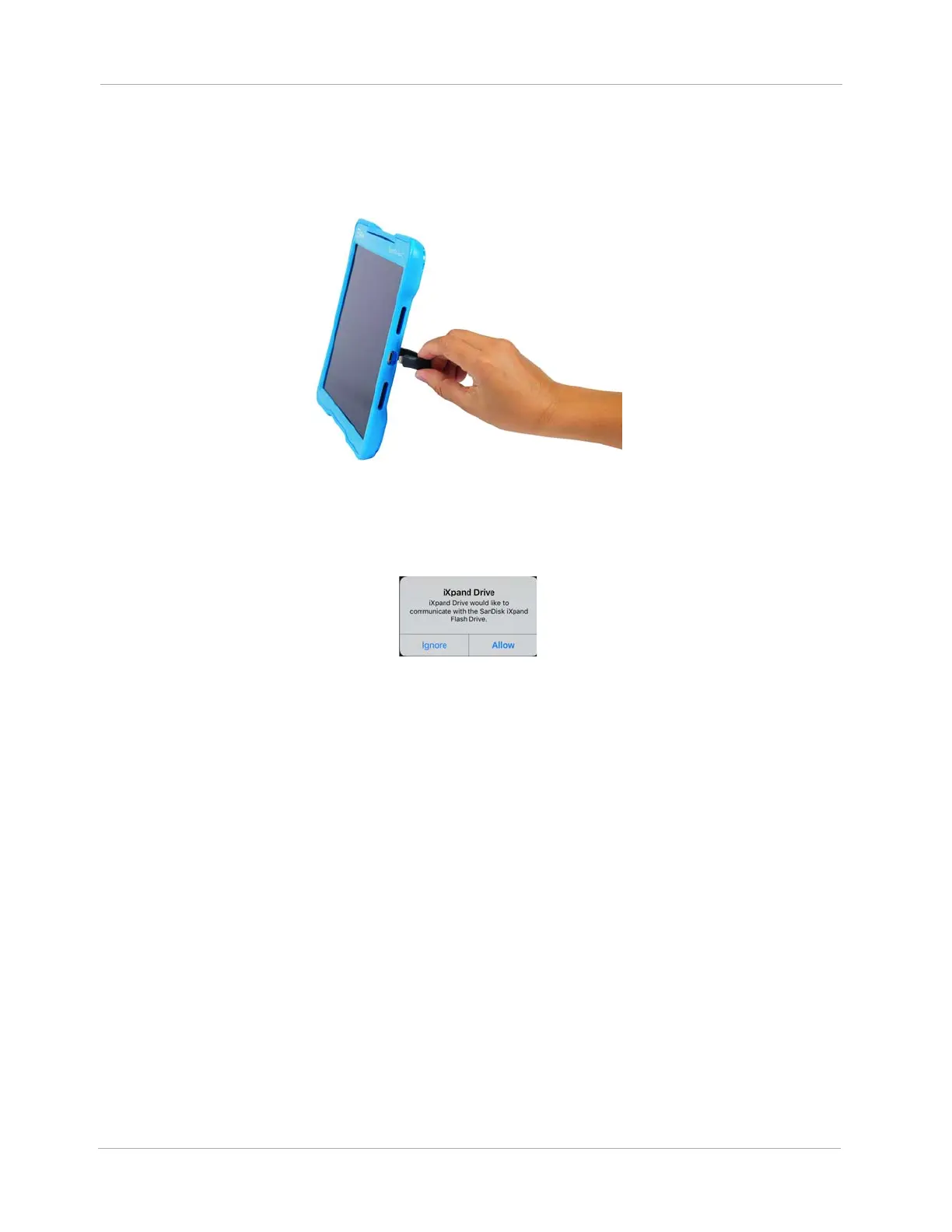
1. Gently lift up on the Flash Drive flexible Lightning‡ connector and firmly connect it to the Tablet
Lightning‡ port.
Figure 17 Connect Flash Drive to Tablet Lightning‡ Port
A SanDisk iXpand
Drive App message appears prompting you to allow the iXpand
Drive to
communicate with the Flash Drive.
Figure 18 iXpand‡ Drive Message
2. Tap Allow. The iXpand
Drive opens.












 To Next Page