20
3. Press the Tablet home button to close the SanDisk iXpand Drive App.
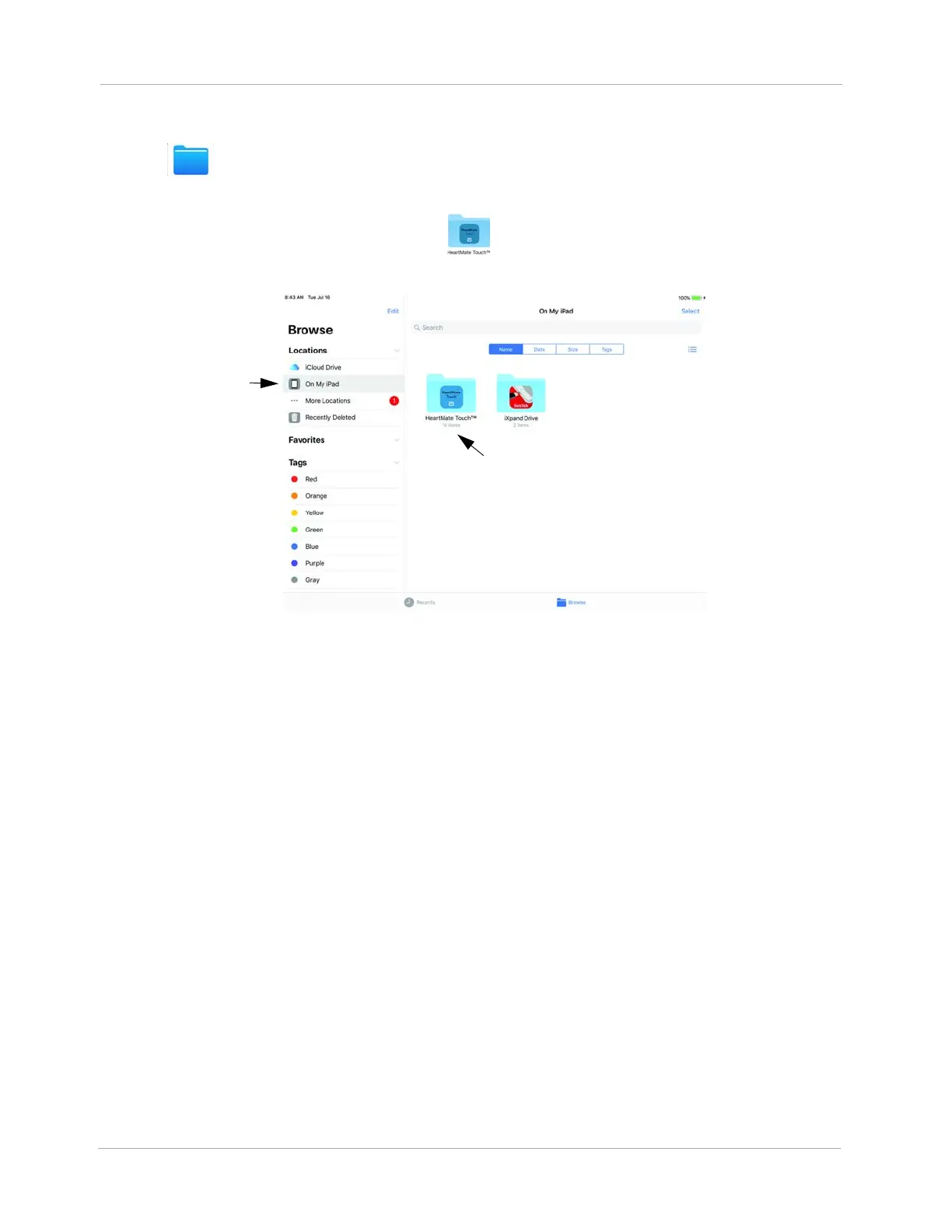
4. Tap to open the Files app. The files application opens.
5. Tap On My iPad. You will see the HeartMate Touch (HeartMate Touch™ App) folder.
Figure 19 HeartMate Touch Folder
6. Tap HeartMate Touch. You may see a few folders here. Search for the name prefix for the
folder you just created e.g., ABC123_20180524_122311 (name_YYYYMMDD_HHMMSS)












 To Next Page