21
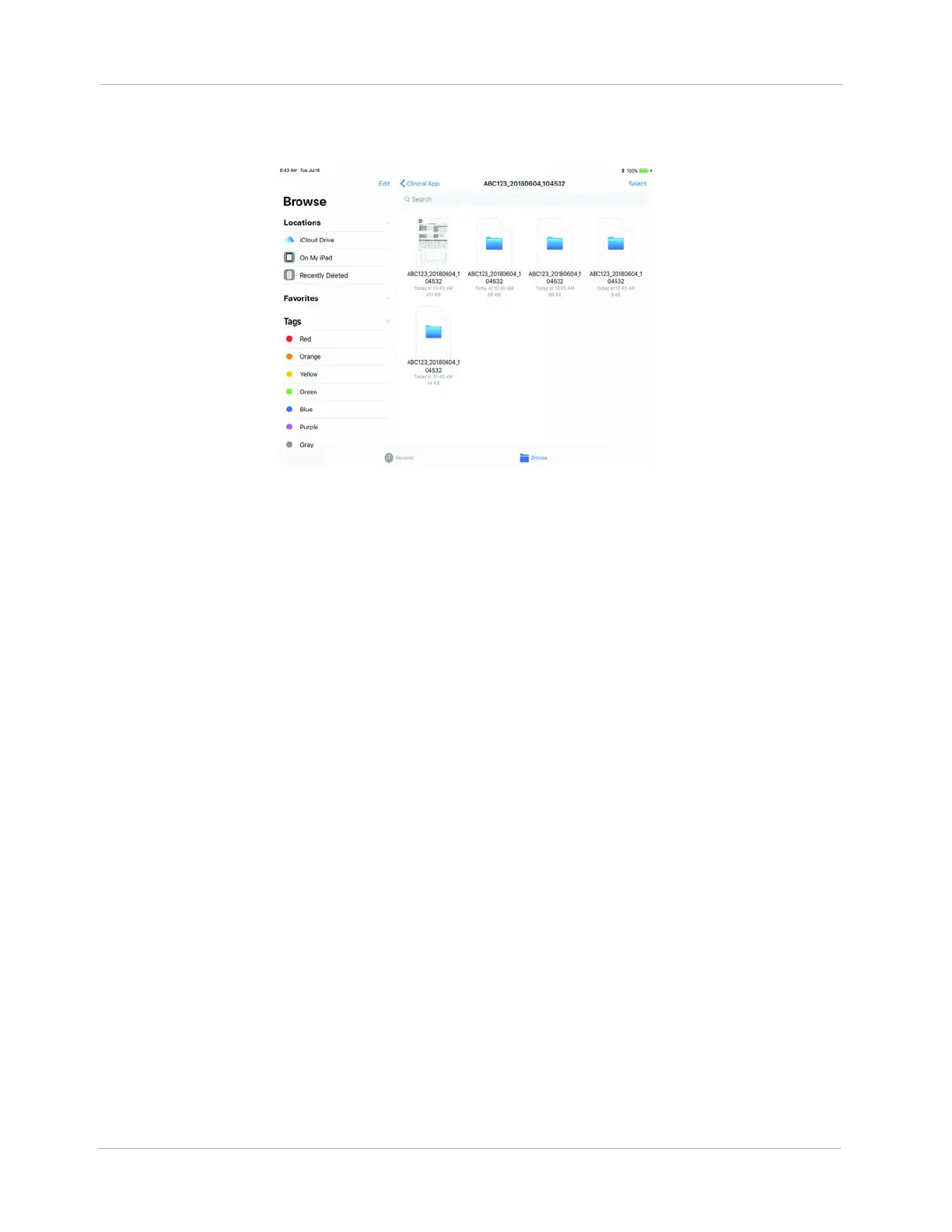
7. Tap the folder you just created e.g., ABC123..... The folder opens. You should see 5 files for the
HeartMate 3 and 2 files for the HeartMate II.
Figure 20 HeartMate 3 (5 files) / HeartMate II (2 files)
8. Tap Select. From here, you can select the file by tapping the button that appears next to the file
icon. A check mark appears on each file that you have selected.
9. Select all files.
10. Tap Share. A window appears indicating the number of files you have selected and the
available apps with which to share the files.












 To Next Page