14
8 View All Alarms. Tap View All Alarms to view a full list of active and inactive alarms.
Disconnect Wireless Communication
There may be instances when you need to disconnect the HeartMate Touch App from the HeartMate
Touch Wireless Adapter. (e.g., You need to replace the HeartMate Touch Wireless Adapter.)
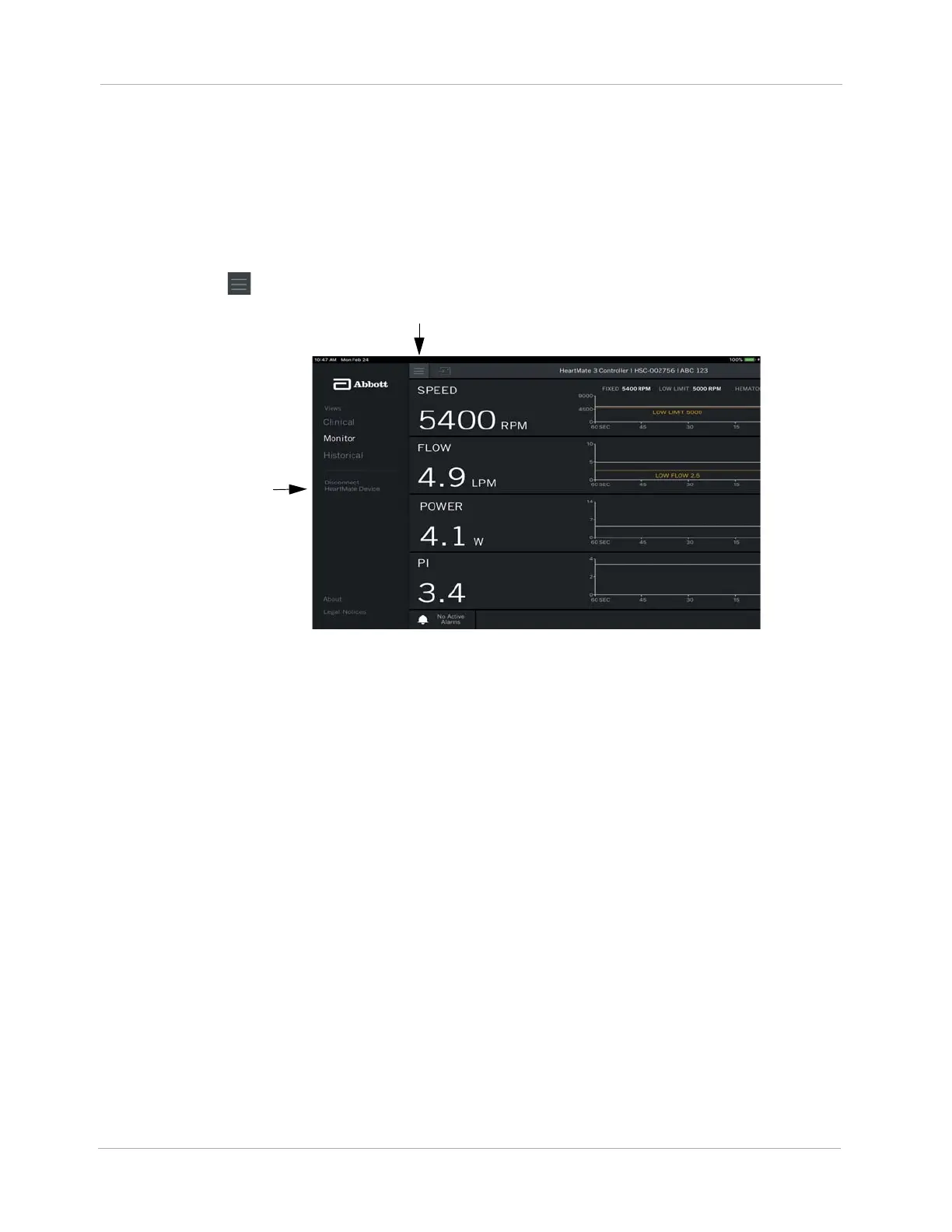
1. Tap Menu ().
Figure 10 Disconnect HeartMate Device
2. Tap Disconnect HeartMate Device. A confirmation message appears asking you to confirm.
3. Tap YES to disconnect the HeartMate Touch App from the HeartMate Touch Wireless Adapter.
Disconnect
HeartMate Device
Menu












 To Next Page