23
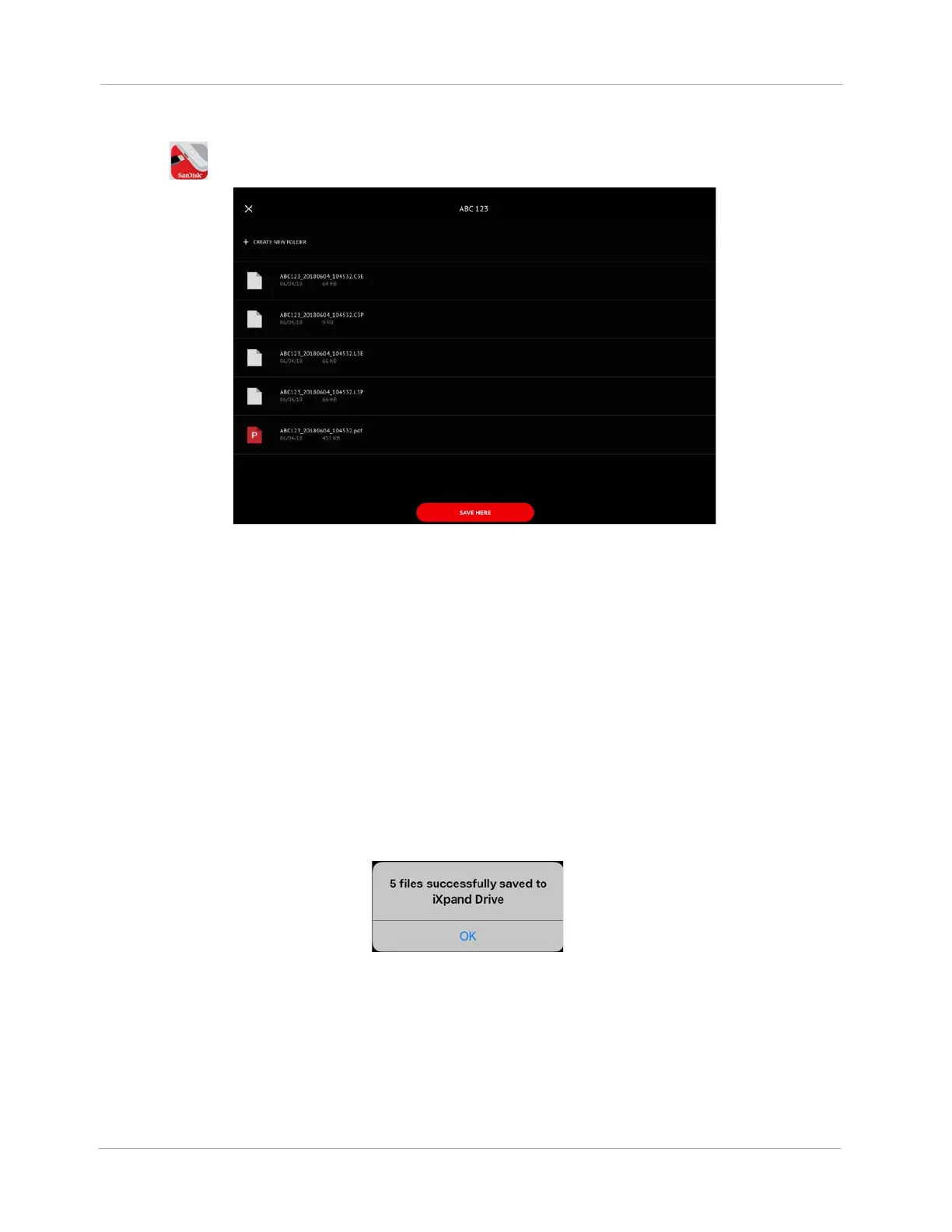
11. Tap . The SanDisk iXpand Drive App appears.
Figure 22 SanDisk iXpand‡ Drive App
IMPORTANT! Only create names that identify the folder. Do not enter any protected health
information or individually identifiable health information. Follow your organization's policies,
procedures, and employee training that correspond to HIPAA regulatory standards.
IMPORTANT! You should restrict the characters to a through z, 0 through 9, underscores (_), and
periods (.).
12. Tap + CREATE NEW FOLDER. A New Folder window appears. Enter a folder name and tap
OK.
13. Tap SAVE HERE. You should see a file success SanDisk iXpand Drive App message.
Note: There will be 5 files for the HeartMate 3 and 2 files for the HeartMate II.
Figure 23 File Success Message
14. The files are now saved to the Flash Drive. Insert the drive into a computer USB port to access the
files.












 To Next Page