17
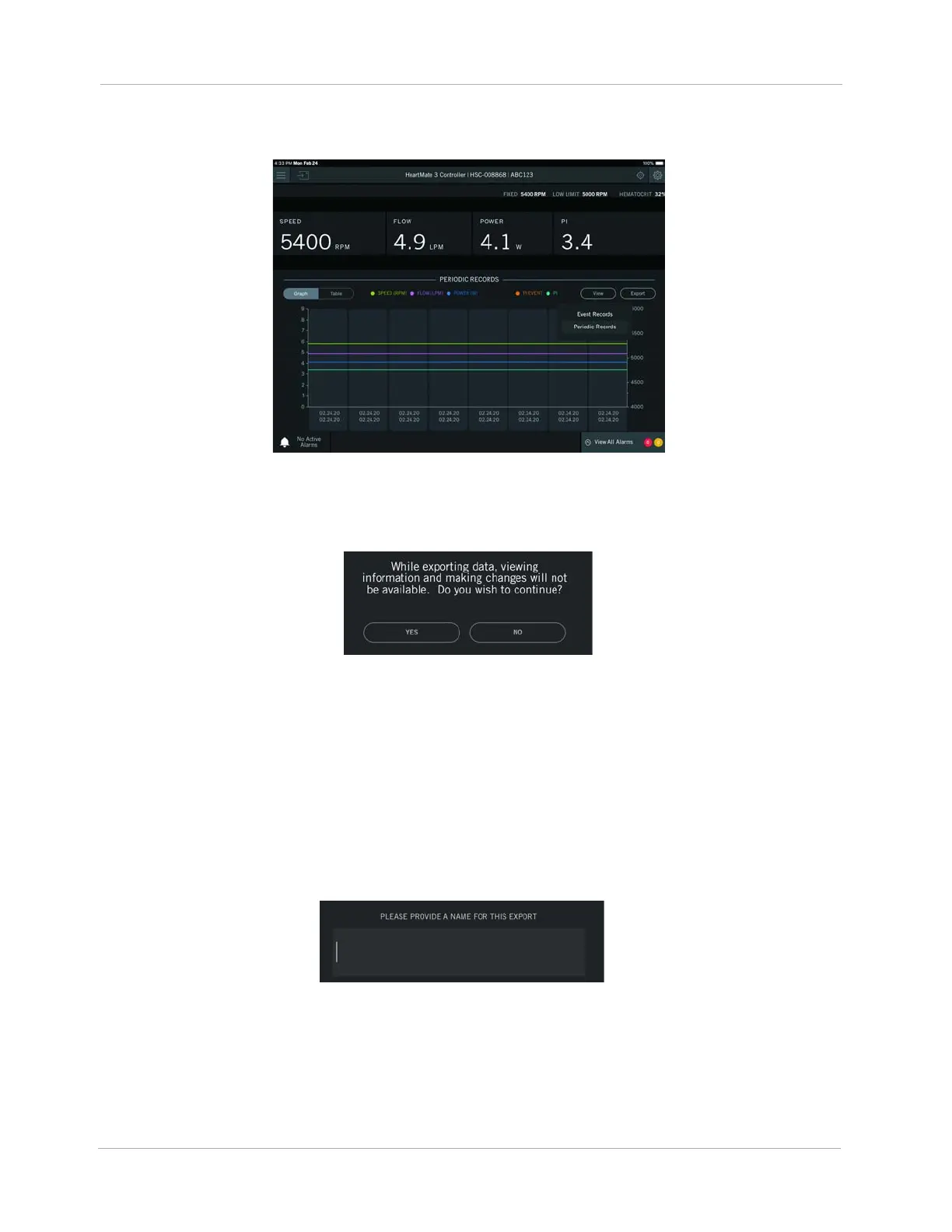
After the data loads the Historical view appears.
Figure 13 Historical View
3. Tap Export. The message below appears before you proceed.
Figure 14 Exporting Data Message
4. Tap YES. A box appears with a prompt asking you to provide a name for the export.
IMPORTANT! Only create export names that identify the export file. Do not enter any protected
health information or individually identifiable health information. Follow your organization's policies,
procedures, and employee training that correspond to HIPAA regulatory standards.
IMPORTANT! You should restrict the characters to a through z, 0 through 9, underscores (_), and
periods (.).
Figure 15 Provide an Export Name












 To Next Page