BIOS Setup 3-9
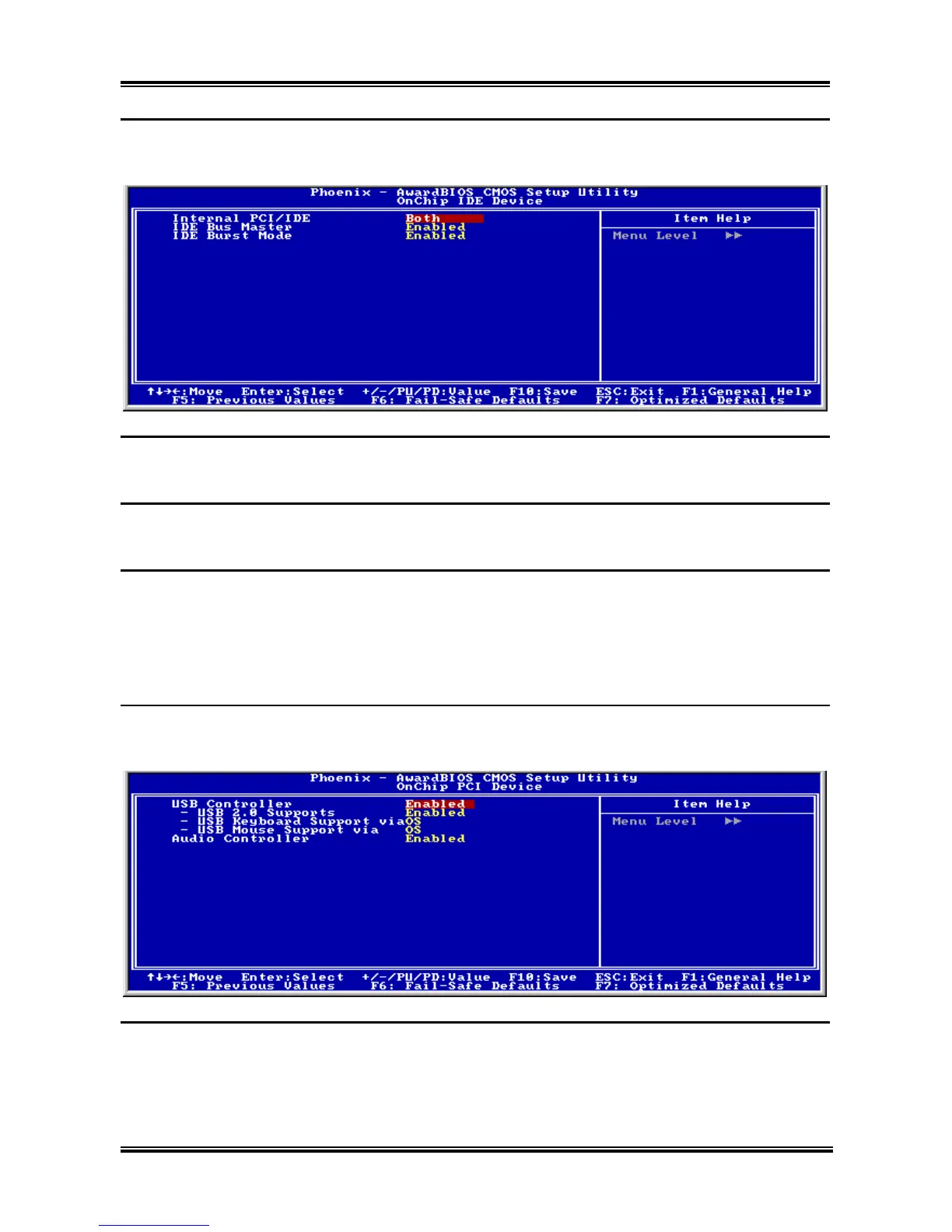
OnChip IDE Device:
Click <Enter> key to enter its submenu:
Internal PCI/IDE:
Use these items to enable or disable the internal PCI IDE channels that are integrated on the motherboard.
IDE Bus Master:
This option enables or disables the IDE bus mastering capability under the DOS environment.
IDE Burst Mode:
This option, when enabled will instruct the system to send every write transaction to the write buffer.
Burstable transactions then burst onto the PCI bus and nonburstable transactions do not.
Back to Integrated Peripherals Setup Menu:
OnChip PCI Device:
Click <Enter> key to enter its submenu:
USB Controller:
This item enables the USB controller. Leave this at the default “Enabled” if you want to connect USB
devices to your computer.
User’s Manual



 To Next Page