Driver Installation 4-1
Chapter 4. Driver Installation
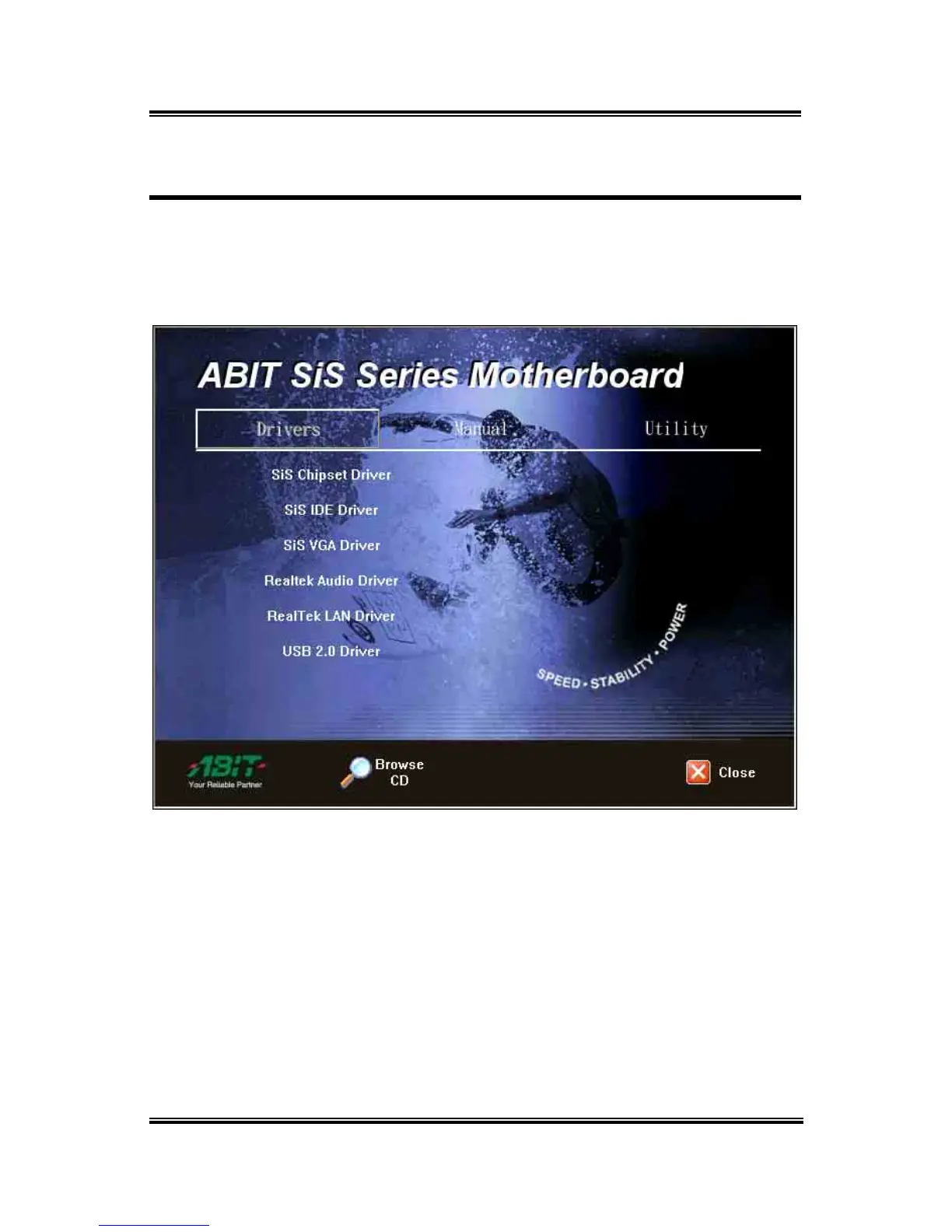
All the necessary drivers are included within the Drivers & Utilities CD that came packaged
with your board. The display shown in the following figure should appear after inserting this
CD into your CD-ROM drive, if not, enter [My Computer] [CD-ROM] Drive double
click [autorun.exe]. Please follow the on-screen instruction to complete the driver installation.
User’s Manual



 To Next Page