3-14 Chapter 3
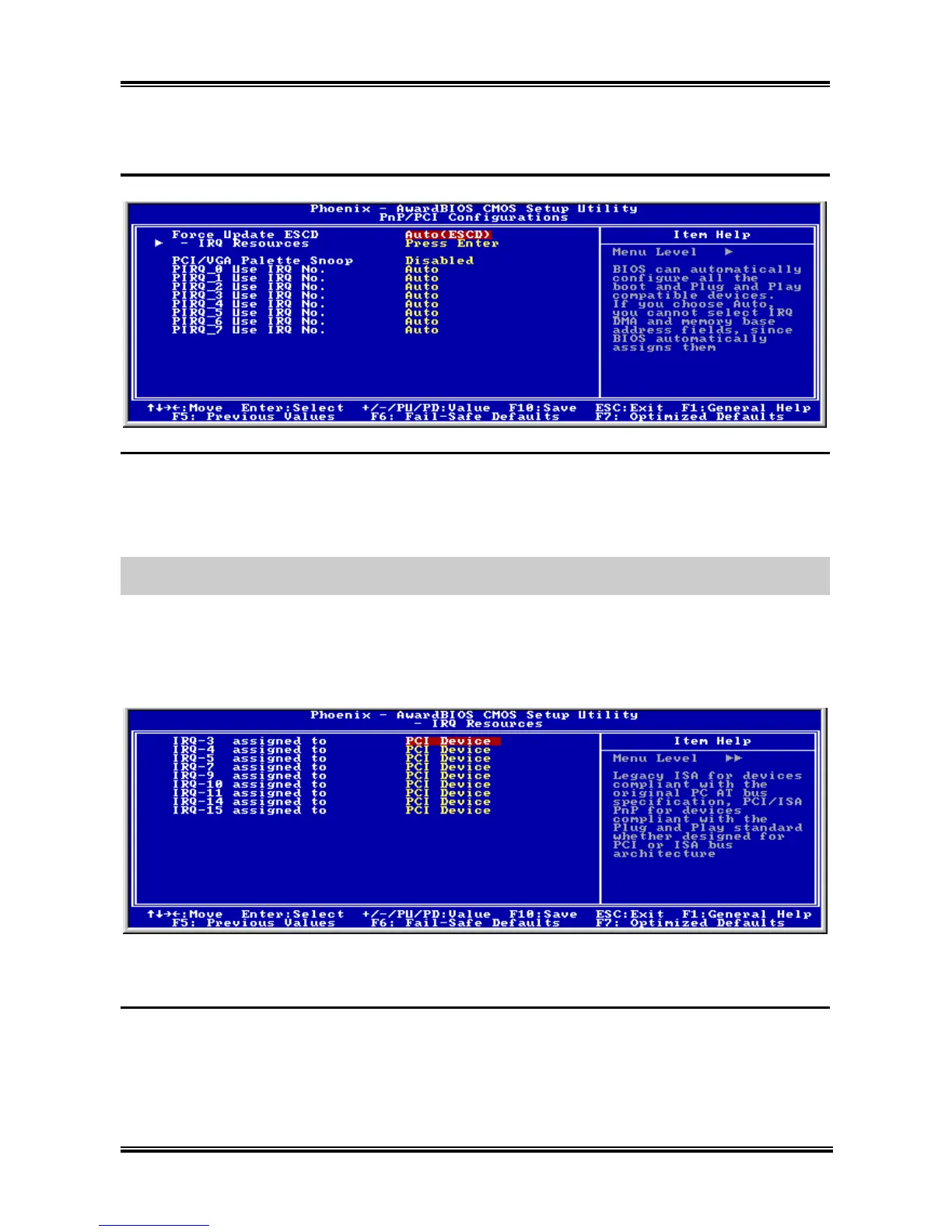
3-6. PnP/PCI Configurations
Force Update ESCD:
If you want to clear ESCD data next time you boot up, and ask the BIOS to reset the settings for the Plug
& Play PCI Card, select Enabled. But the next time you boot up, this option will automatically be set as
Disabled.
NOTE: The ESCD (Extended System Configuration Data) contains the IRQ, DMA, I/O port, memory
information of the system. This is a specification and a feature specific to the Plug & Play BIOS.
IRQ Resources:
Click <Enter> key to enter its submenu:
This item sets each system interrupt to either [PCI Device] or [Reserved].
Back to PnP/PCI Configurations Setup Menu:
PCI/VGA Palette Snoop:
This item determines whether the MPEG ISA/VESA VGA cards can work with PCI/VGA or not.
[Enabled]: MPEG ISA/VESA VGA cards work with PCI/VGA.
[Disabled]: MPEG ISA/VESA VGA cards do not work with PCI/VGA.
SG-72



 To Next Page