Appendix I
SL6
I-4
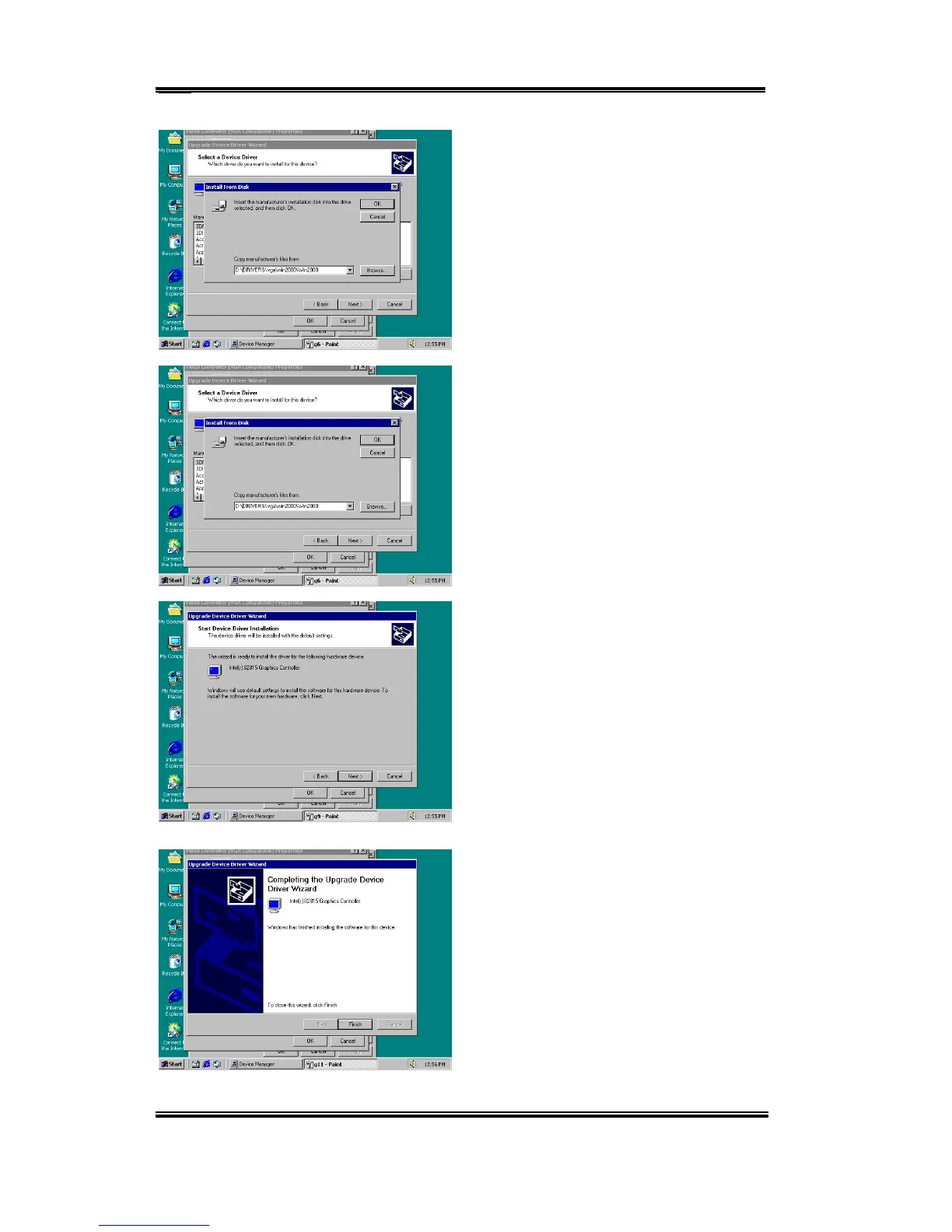
Insert the Manufacturers Disk and press
“OK”
You will be asked which device driver you
would like to install. Here, be sure to choose
the Intel 82815 Graphics Controller.
You will be told that the Wizard is ready to
install the driver. Enter “Next” to go on..
You will be told that the Wizard is finished
installing the driver. Enter “Finish”.



 To Next Page