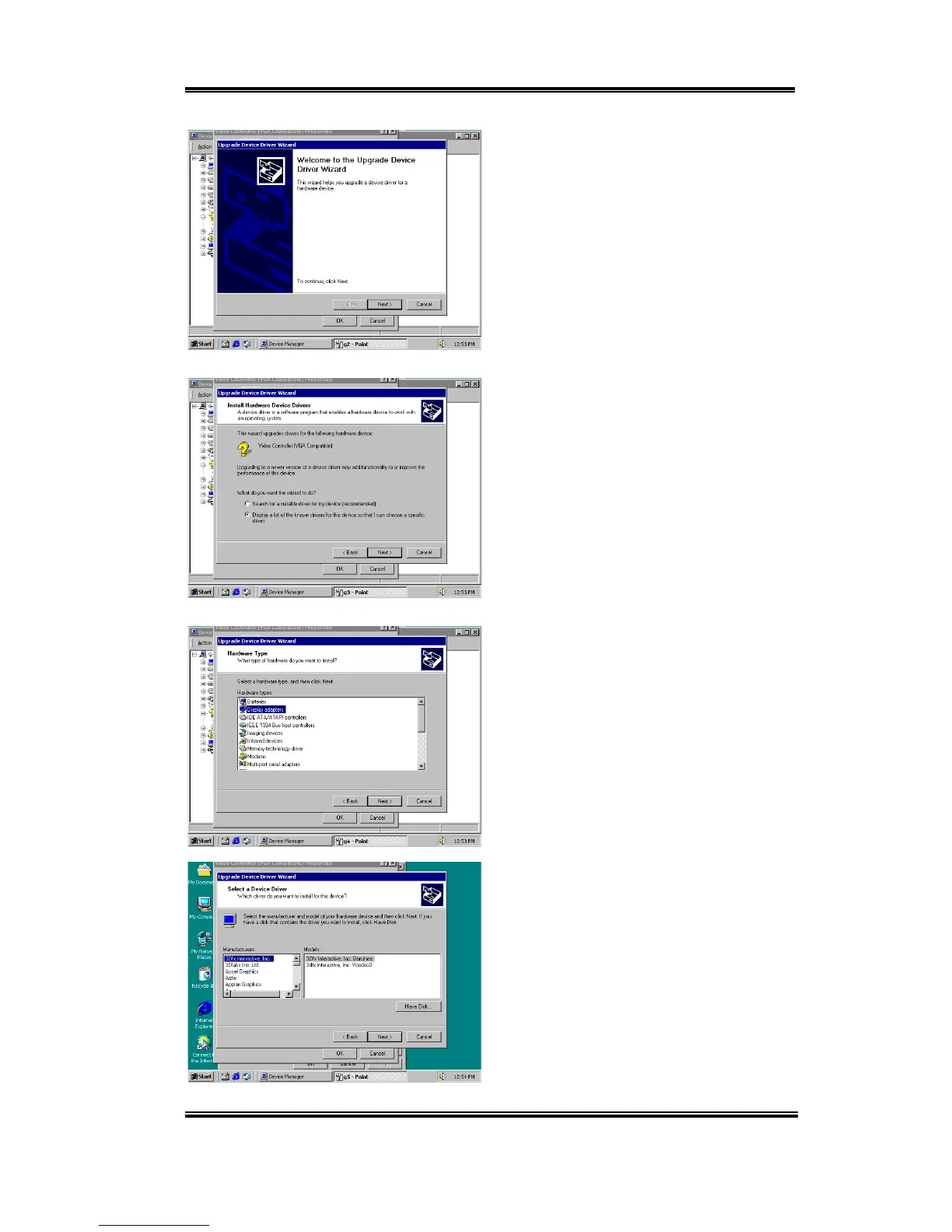
Installing the VGA Drivers for the Windows
®
2000 Server / Workstation I-3
User’s Manual
The Upgrade Device Driver Wizard screen
will appear. Enter “Next” to go on.
The Wizard will ask you if you would like
the computer to select a suitable driver for
you or if you would like to manually select
one. Here we show you how to manually
select the driver.
The Wizard will ask you which Hardware
type you wish to install. Choose “Display
Adapters” and press “Next” to continue.
Select “Have disk”.



 To Next Page