ATA Installation Utility for the Windows
®
2000 Server / Workstation K-1
User’s Manual
Appendix K: ATA Installation Utility for the
Windows
®
2000 Server /
Workstation
In this section we will show you how to install the ATA Utility to your Windows
®
2000
Server/Workstation operating system. All screen shot are from Windows
®
2000 server
version.
Note K-1
Details of the Windows
®
2000 Server/Workstation operating system are not mentioned
in this manual. If you have any problems with the settings, operating or installing
Windows
®
2000 Server/Workstation, please refer to your Windows
®
2000
Server/Workstation user's manual or other resources provided by Microsoft
®
Corporation.
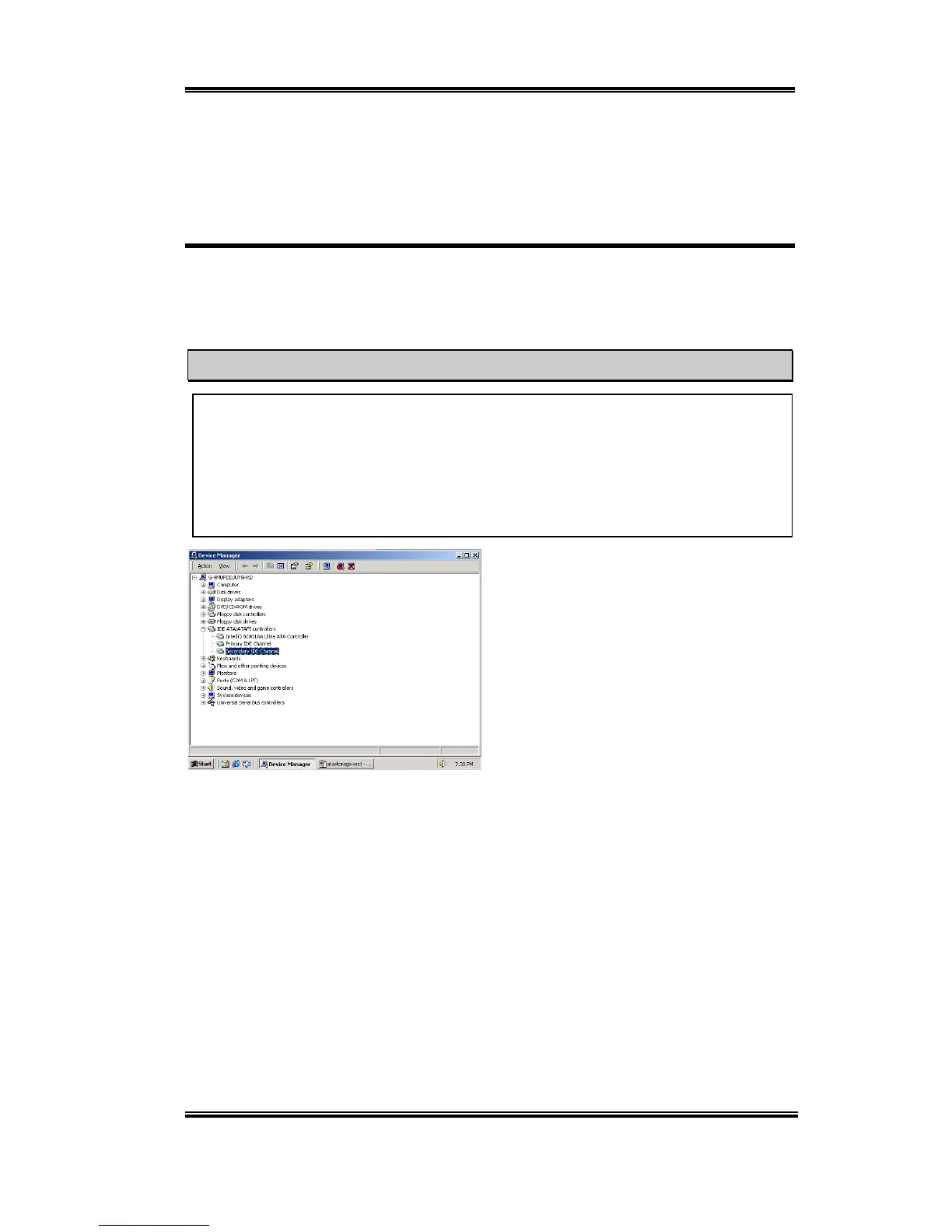
First enter into “Device Manager” and then
“IDE ATA/ATAPI controllers”. You will
note that no Intel ATA devices are
recognized by the system.
Exit the Device Manager and insert the SL6 CD-Title into your CD-ROM drive. It should
execute the program automatically. If not, you can go to the CD location and execute the
execution file from the main directory of this CD-Title. After it is executed, the screen
below will appear.



 To Next Page