Appendix K
SL6
K-2
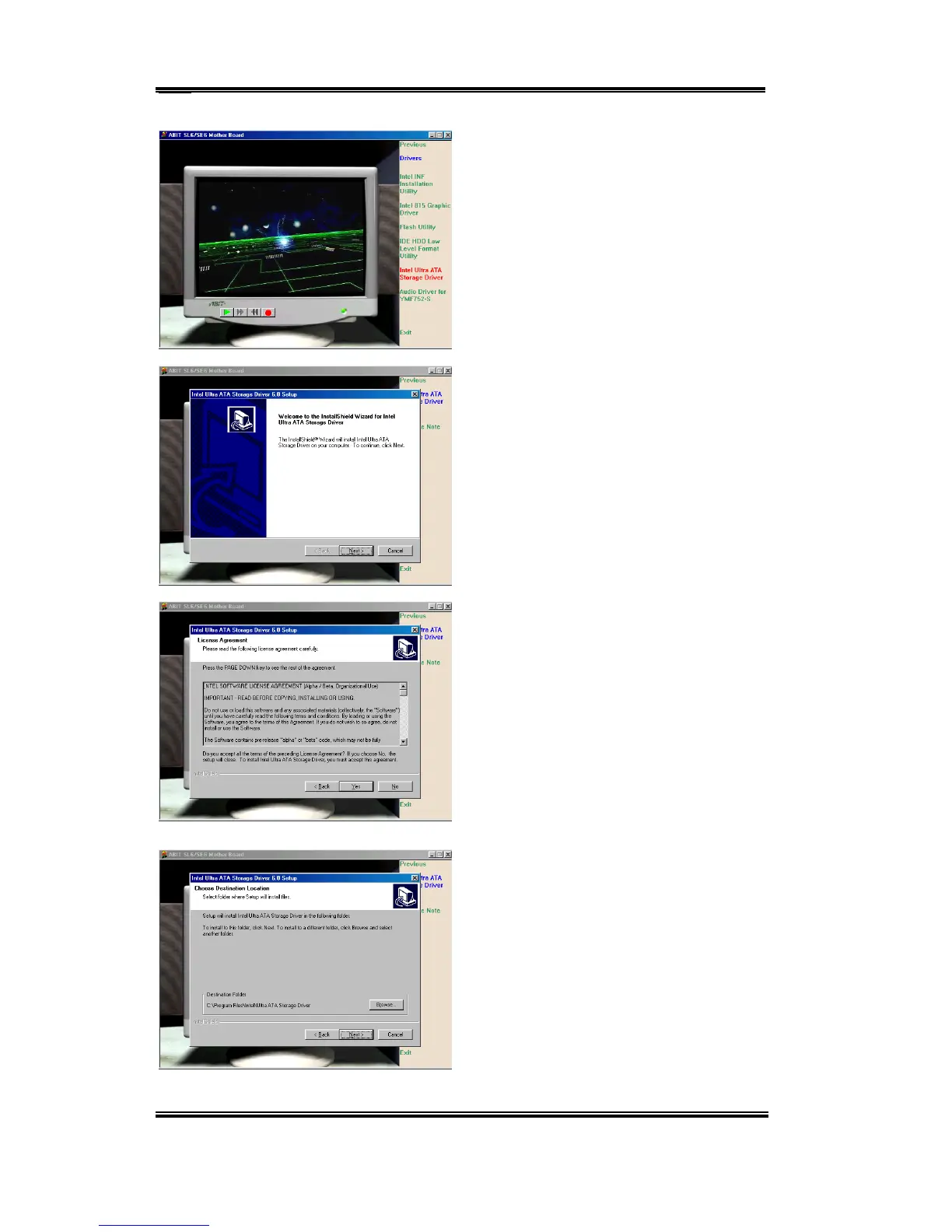
Move the cursor to “Drivers” and click on it.
Move the cursor to “Intel Ultra ATA
Storage Driver – Install” and click on it.
Go to the next screen.
A screen notifying you that the InstallShield
Wizard is setting up will appear. Click
“Next” to go on.
The license screen will appear. Read it and
click “Yes” to go on.
Now you can choose the folder for the
destination location you want to install the
driver. We suggest you use the default
folder as the destination. When you have
decided on the destination, click “Next”.



 To Next Page