40
5. Bundled Software Installation Guide
5.1. Hardware Installation
1. Connect the male connector of RS232 cable to the UPS communication
port.
2. Connect the female connector of the RS232 cable to a dedicated RS232
port of the computer.
3. For optional interface cards, you may refer to Chapter 6 for installation.
5.2. Software Installation
Please refer to the user’s manual of the software for installation.
41
6. Customer Options Slots
6.1. All the below interface cards are with built-in EPO function.
The pin assignments of the EPO are:
1 Æ EPO+
2 Æ Ground
6.1.1. To enable the EPO function, please short Pin 1 & 2.
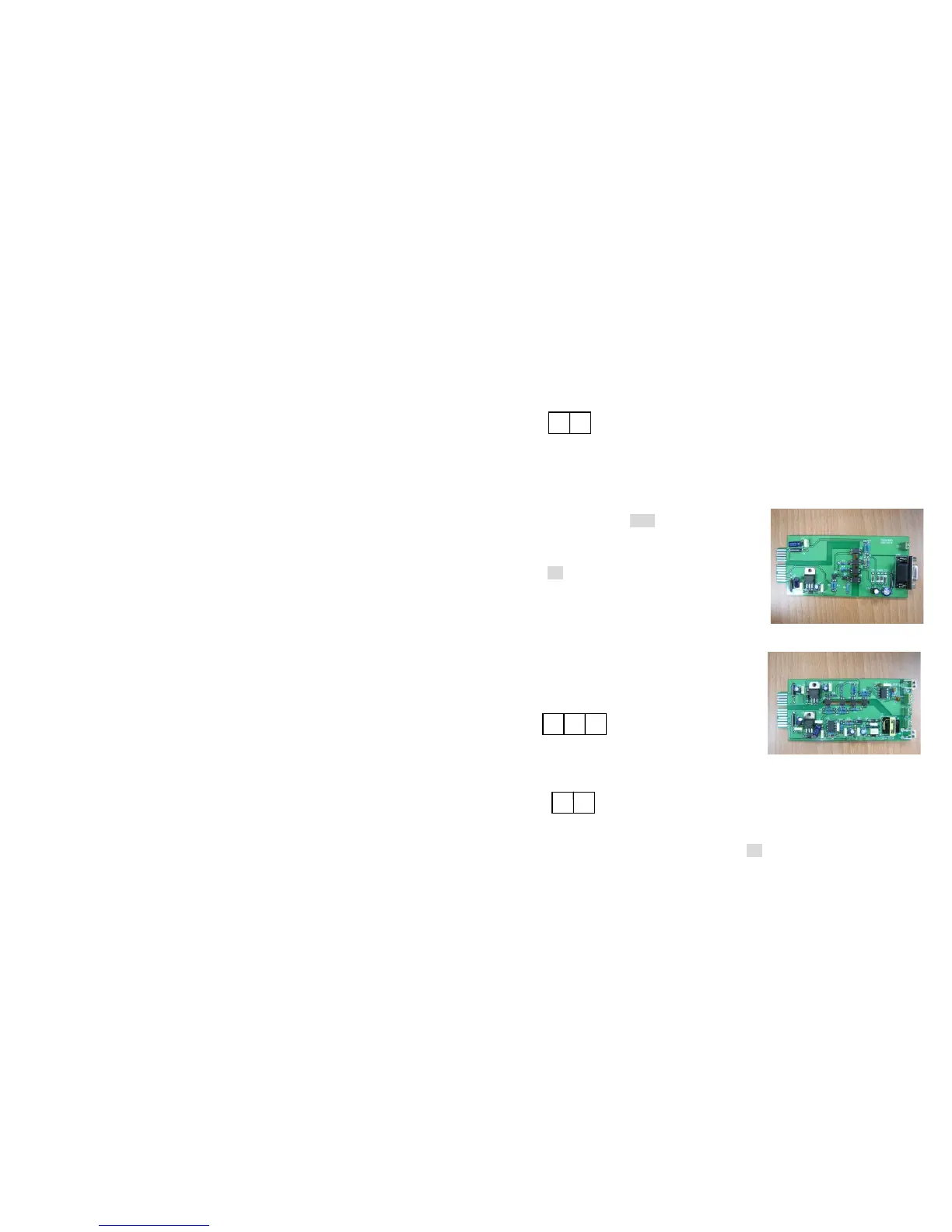
6.2. R2E(2nd RS-232 ) card
6.2.1. CN1 is for RS232 DB9 and CN3 is for EPO.
6.2.2. For communication protocol, please
refer to Chapter 2.4.1
6.2.3. Installation Position: slot1 or slot 2.
6.2.4. Adapted flat cable: cable A or cable B
6.2.5. For installation, please refer to Chapter
6.7
6.3. RSE(RS-485) card
6.3.1. CN1 for EPO, CN2 for RS485 and CN3
for remote power.
6.3.2. For communication protocol, please see
the definition below:
6.3.3. Installation Position: slot1 or slot 2.
6.3.4. Adapted flat cable: cable A or cable B
6.3.5. For installation, please refer to Chapter 6.7
1
2
1
2
CN3
1
2
3
CN2
1 Æ Ground
2 Æ A/Data+
3 Æ B/Data-
1 Æ AC+
2 Æ AC-









 To Next Page