32
3.5.4 UPS Default Data and Special Function Execution
3.5.4.1 After UPS completely starts up, press key pad to change the LCD
display screen to drawing Q1.
Q1
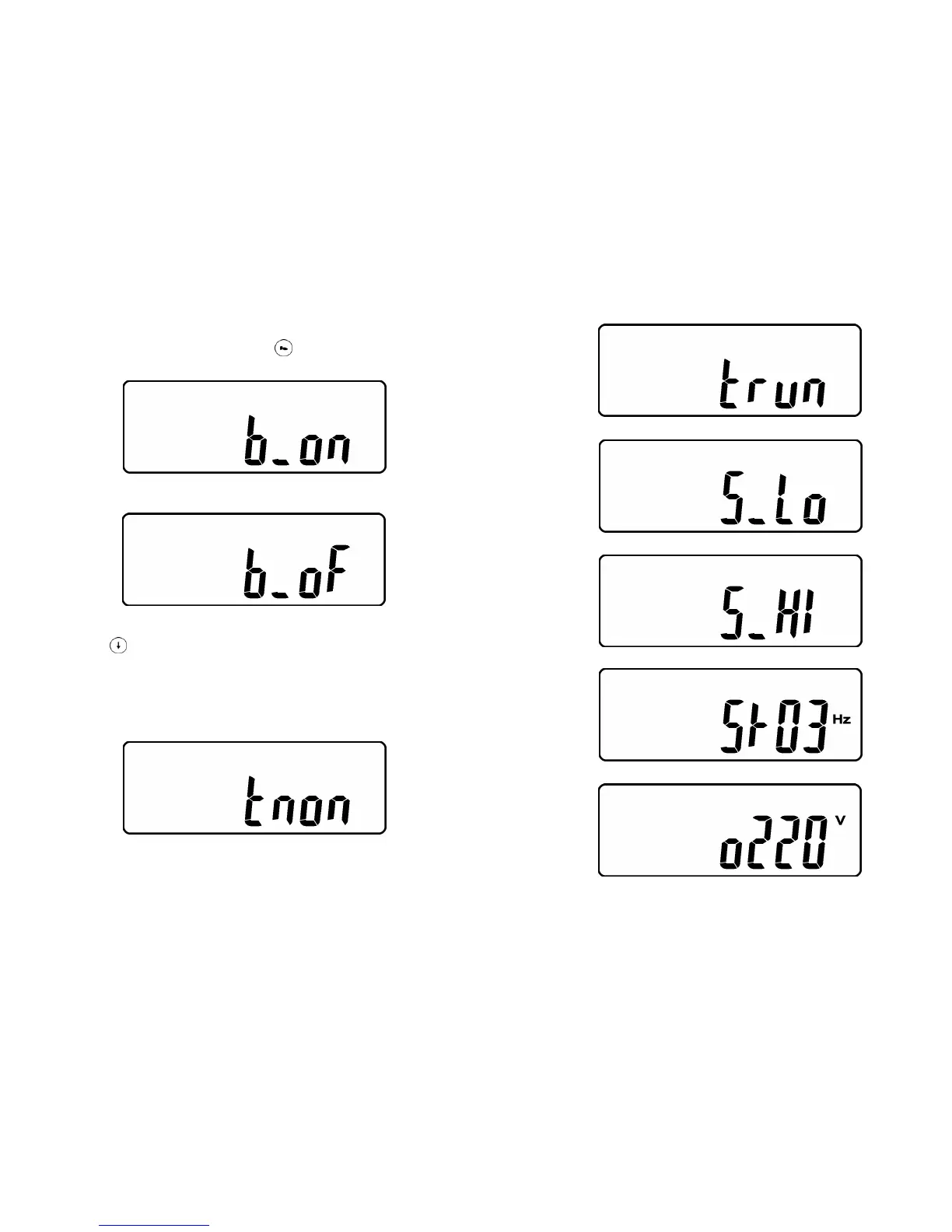
* It shows buzzer “On”.
Q2
* It shows buzzer “Off”.
3.5.4.2 Press
key pad to scroll down the screen and check the UPS
settings.The LCD display will show in consequence between Drawing Q1(buzzer)
Æ Drawing R1(Self-test) ÆDrawing S1(Bypass Voltage Windows) Æ Drawing
T(Output Frequency Synchronization Window) ÆDrawing U(Inverter Output
Voltage) ÆDrawing V1(UPS Operation Mode) ÆDrawing W(Output Voltage Micro
Tune Value) ÆDrawing X(UPS Id) ÆDrawing Y(No. of UPS in Parallel).
R1
* It shows self-test is NOT “on”.
33
R2
* It shows self-test is “On”.
S1
* It shows Bypass Voltage is adjusted to narrow one.
S2
* It shows bypass voltage is adjusted to wider one.
T
* It shows Frequency Window is +/-3Hz.
U
* It shows inverter output voltage.









 To Next Page