2. Performing a Test
Take care the accessories are within reach. Do not leave your sample material exposed to the
ambient air over a longer period, especially if it is hydroscopic.
Note: It is recommended to acquaint oneself with the operation before doing a „serious“ test.
Therefore run the program and follow the menu until you have reached the step START / F10.
Then stop the program by clicking on the STOP–button. Repeat these steps until you are
familiar with the procedure.
2.1
The procedure step by step
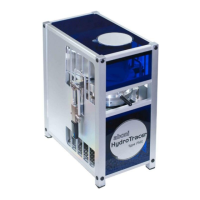
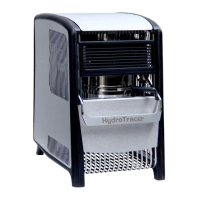
Please make sure that the HydroTracer (optional, the serial scale) is connected to the computer
and powered on.
Start the program HT 5.0
A program window will open,
which will initialize the
software.


 To Next Page
 Loading...