Then select a location on your
PC where you want to store
the measurement results and
reports.
Then the software is ready for operation and the following main menu appears:
(A) „Quit“-Button closes the application
(B) „Settings"-Button opens the menu" Settings "(see „4.1 Menu: Settings & Company
logo“)
(C) Information display of available or connected serial devices
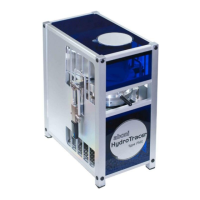
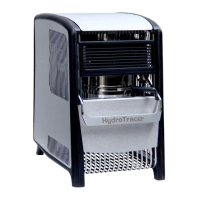
(D) Status indicator for the HydroTracer (see „4.4 Status Display & Information field“)
(E)
"Start"-Button starts a measurement.
Note: If no HydroTracer is detected during
initialization, the "Connect" button will appear instead of "Start" and you can reconnect
to the HydroTracer.


 To Next Page
 Loading...