11
6.5 Settings-Curve:
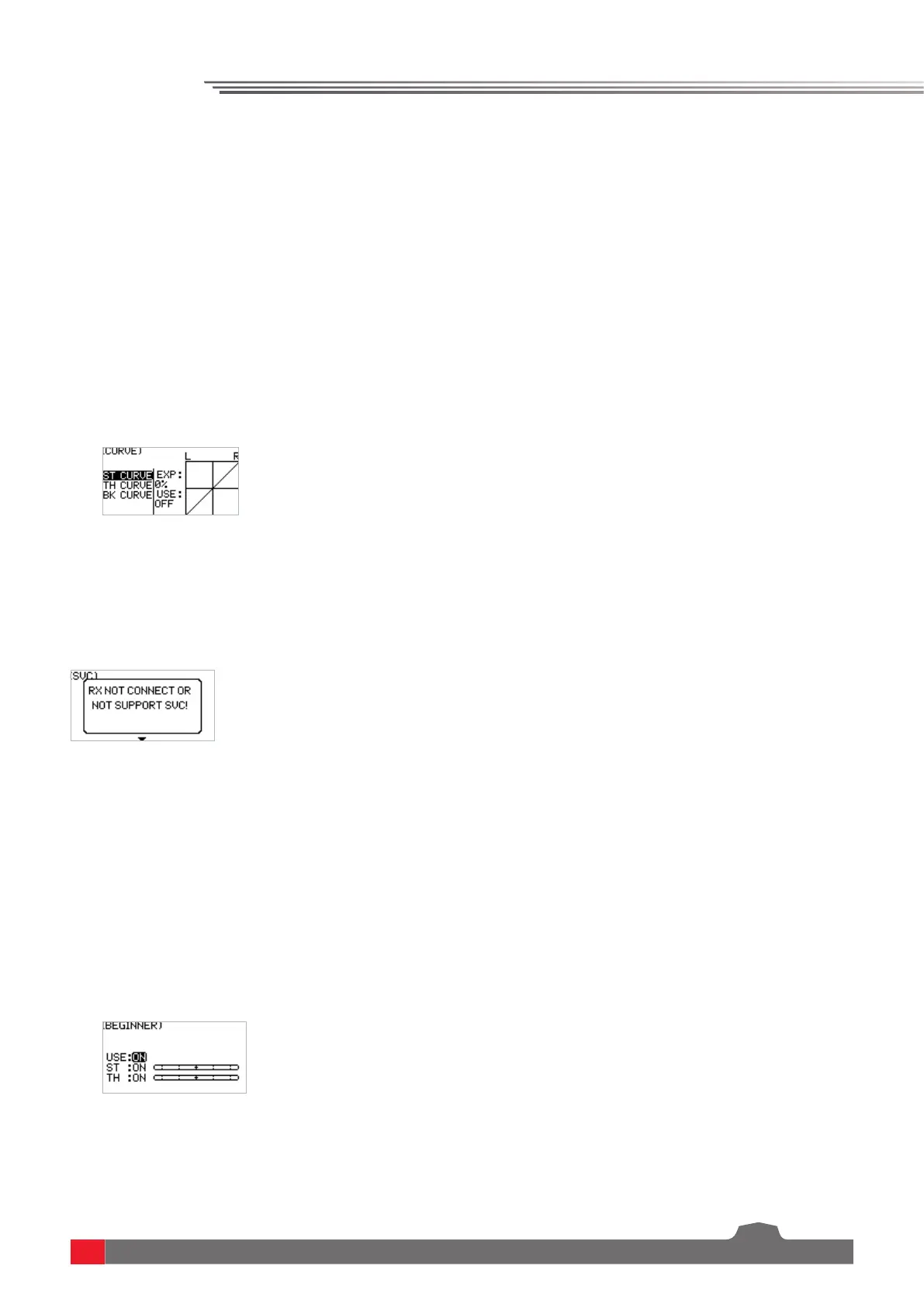
Curve function is used to set the output data curve adjustment of the direction channel channel 1,
throttle channel channel 2 upper, and brake channel 2 lower channel. The range is -100 to +100.It can
change the output sensitivity of each channel. When the data is bigger, the sensitivity of the middle
position is bigger and the two end positions are smaller. It is vice versa when the data is smaller.
Function settings:
1. In the SET menu, select the CURVE function and press the OK key.
2. Select the channel to be adjusted by pressing the UP/DOWN key. Press the OK key to enter the edit
state. Select the EXP by pressing the UP/DOWN key and press the OK key. Then press UP/DOWN
key to adjust the data. After adjustment, press the return key. If you need to enable this function,
select the application item by pressing the UP/DOWN key, and press the OK key to enter the edit
state. Press UP/DOWN key to switch on. Then press the return key.
3. Test the function to confirm that the adjusted channel output operates normally as expected.
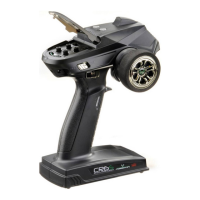
The Smart Vehicle Control function is used to set the receiver with the SVC function. The current R7FS
does not have the SVC function.
6.6 Settings-Smart Vehicle Control (SVC):
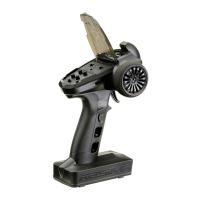
The beginner mode function is used to set the output limit of direction channel and throttle channel.
After this function is enabled, the channel output is only 50%. In this way, the beginner can easily
drive the vehicle under the condition of limiting the speed and turning angle.
Function settings:
1. In the SET menu, select the BEGINNER function and press the OK key.
2. Select the item you need to adjust by pressing the UP/DOWN key. Press the OK key to enter the
edit state. Then adjust it by pressing the UP/DOWN. Press return after adjustment.
3. Test the function to confirm that all channel outputs operate normally as expected.
6.7 Settings-Beginner Mode:


 To Next Page