10
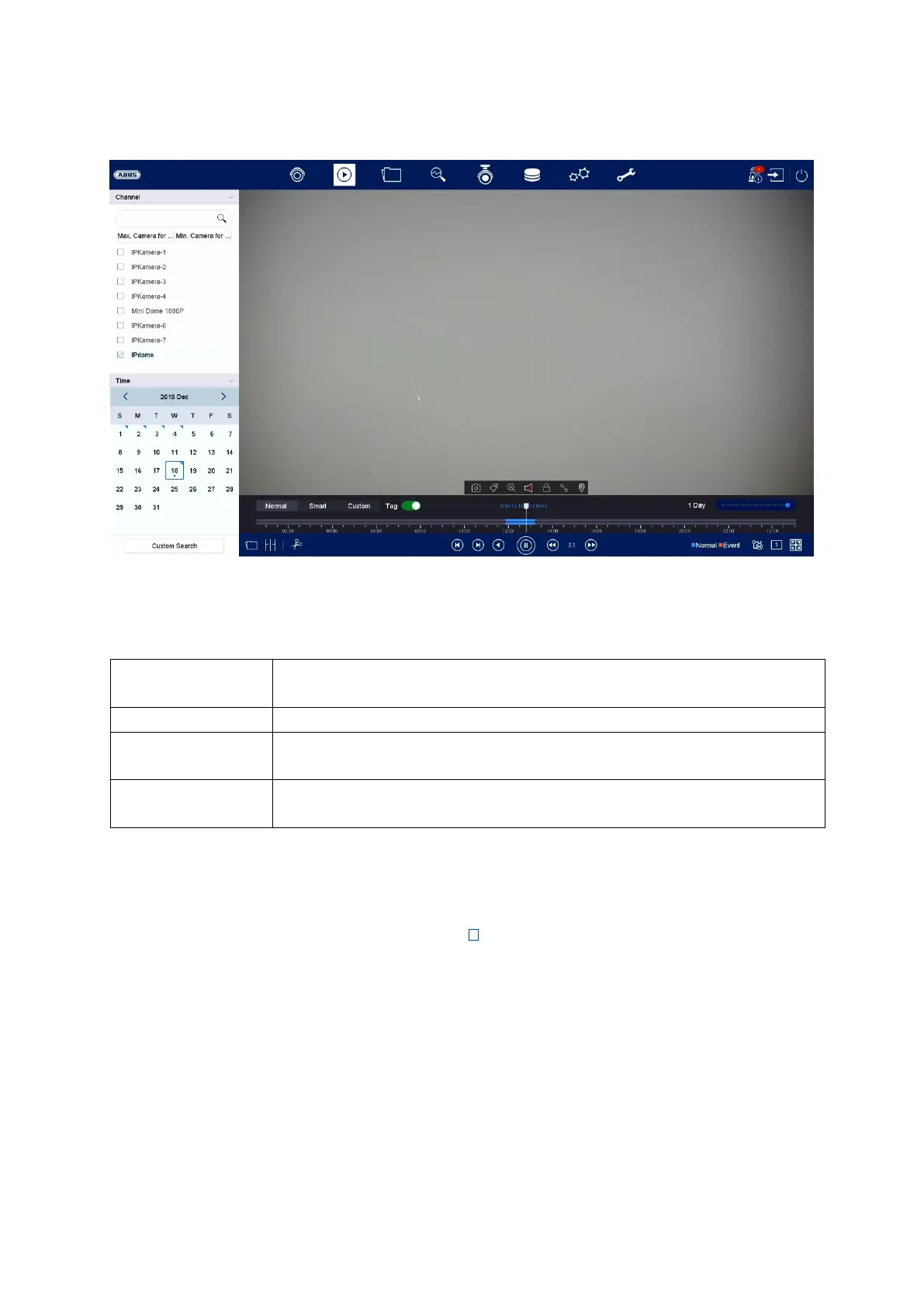
4) Playback view
Playback allows recorded video data from cameras on the recorder to be played.
The playback view is divided into the following function areas:
Camera selection
The camera list makes it possible to select the recorded camera archive on the
recorder. By clicking on the selection fields in the list, several cameras can be
played back simultaneously.
You can search for a specific camera name in the search filed above the camera list
(case-sensitive). You also have the option to “Select all cameras” or “Select cameras
individually” with a single click.



 To Next Page