EasyManua.ls Logo

Abus NVR10020P - Advanced Settings - Additional Settings

Abus NVR10020P
58 pages
Print Icon
To Next Page IconTo Next Page
To Previous Page IconTo Previous Page
Loading...
48
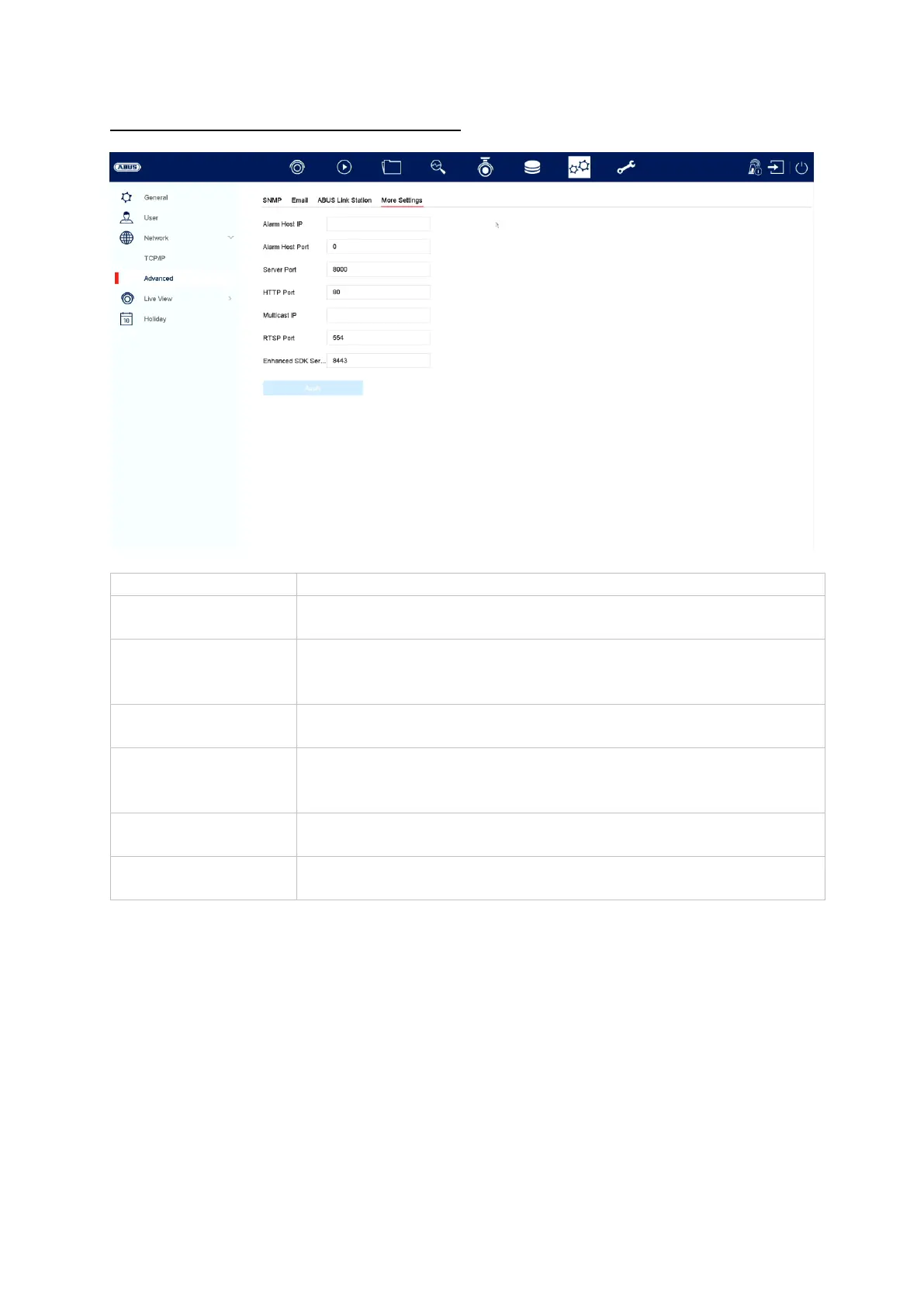
Advanced settings – additional settings
Alarm host IP
Network address of the CMS station
Alarm host port
Port for your CMS station
(default: 7200)
Server port
Port for data communication with ABUS CMS and iDVR app /
ABUS LINK STATION APP (normal connection via IP)
(default: 8000)
HTTP port
Port for the web server
(default: 80)
Multicast IP
You can enter the multicast IP here too in order to minimise
traffic. The IP address must correspond to the one in the
video surveillance software.
RTSP port
Enter the RTSP port
(default: 554)
Advanced SDK
service connection
(Default: 8443)

Other manuals for Abus NVR10020P

Related product manuals