4.3.4 To Analog Dev
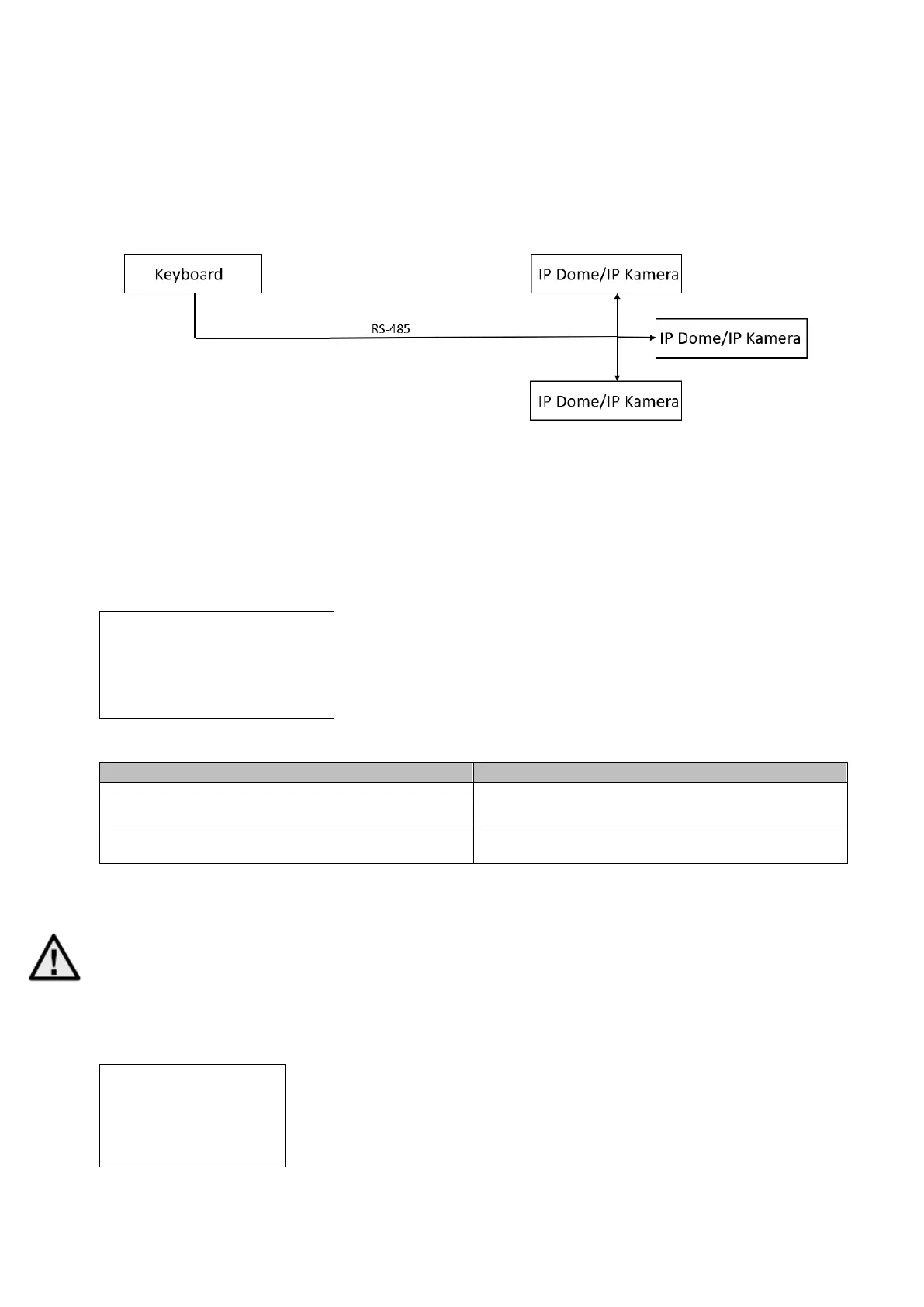
Connect an IP camera/IP dome directly to the control panel via RS-485
Example:
1: Connect a camera to the control desk via RS-485
2: Look up the ID in the camera menu
3: Enter the ID of the added camera on the control panel and
then click CAM
! IMPORTANT!
You must set the address bits (=> ID of the camera), the baud rate, and the protocol in the Serial
Port menu in the RS-485 port depending on the camera. The address bit corresponds to the
camera ID. Set the protocol to "ABUS" when using an ABUS Speedome (IP, AnalogHD and
Analog). The settings are saved with "OK".
A PTZ dome / camera with ID 1 has been added here:



 To Next Page