Control layout PTZ dome / camera
Call up your previously set presets by pressing
a number and then the Preset button
Recall your previously set Patrol by pressing a
number and then the Patrol button
You can use the zoom by turning the joystick
or with the Zoom+/Zoom- buttons
You can adjust the focus using the
Focus+/Focus- buttons
Operation / Configuration IP network
IMPORTANT:
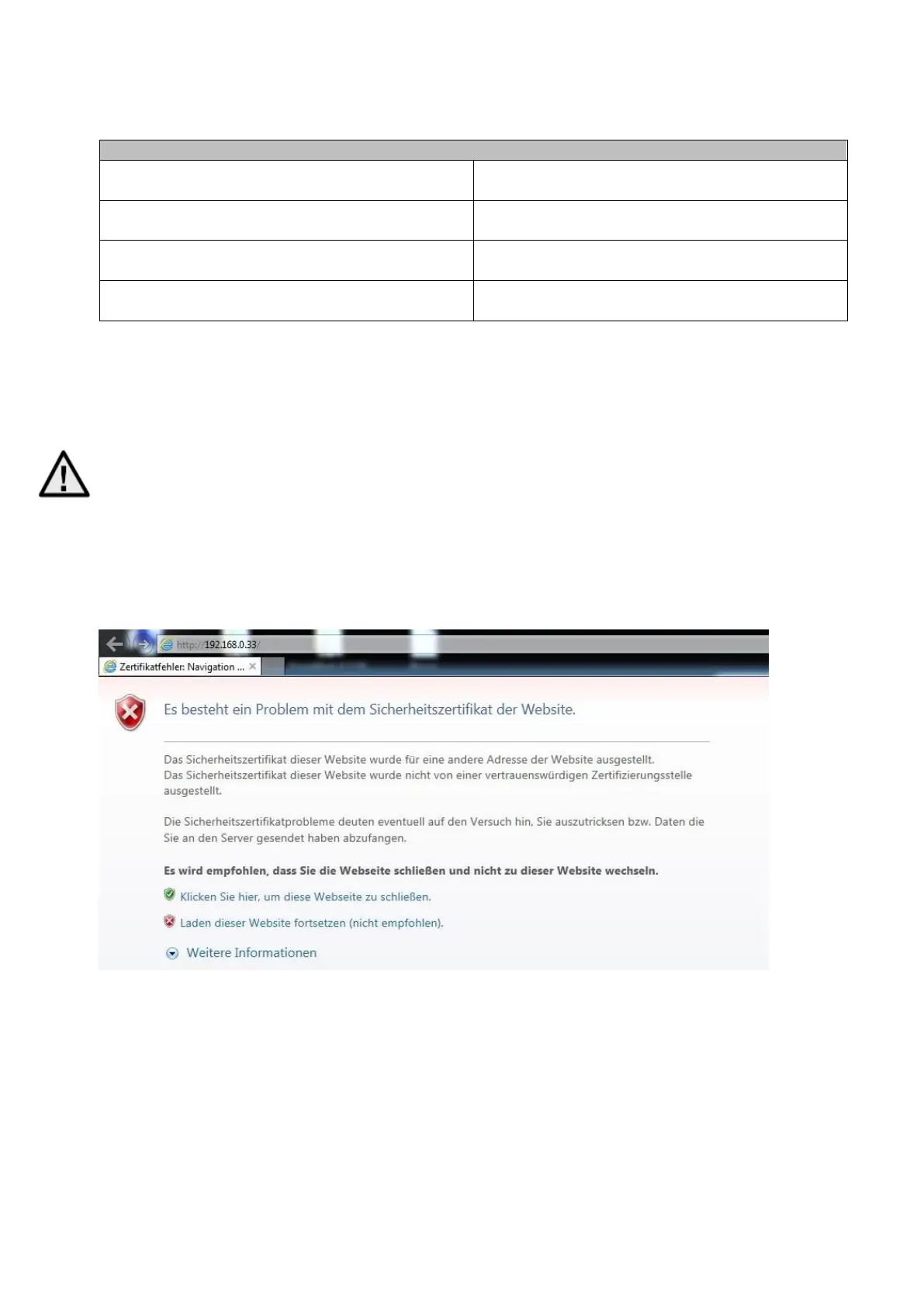
You can find the control panel via "ABUS IP Installer" and call up the web interface, after calling
up the website, a certificate error message appears. Click on
"Continue loading this website (not recommended)". The connection is only possible via
https.
-The control panel does not support UPnP
-The web interface does not support http



 To Next Page