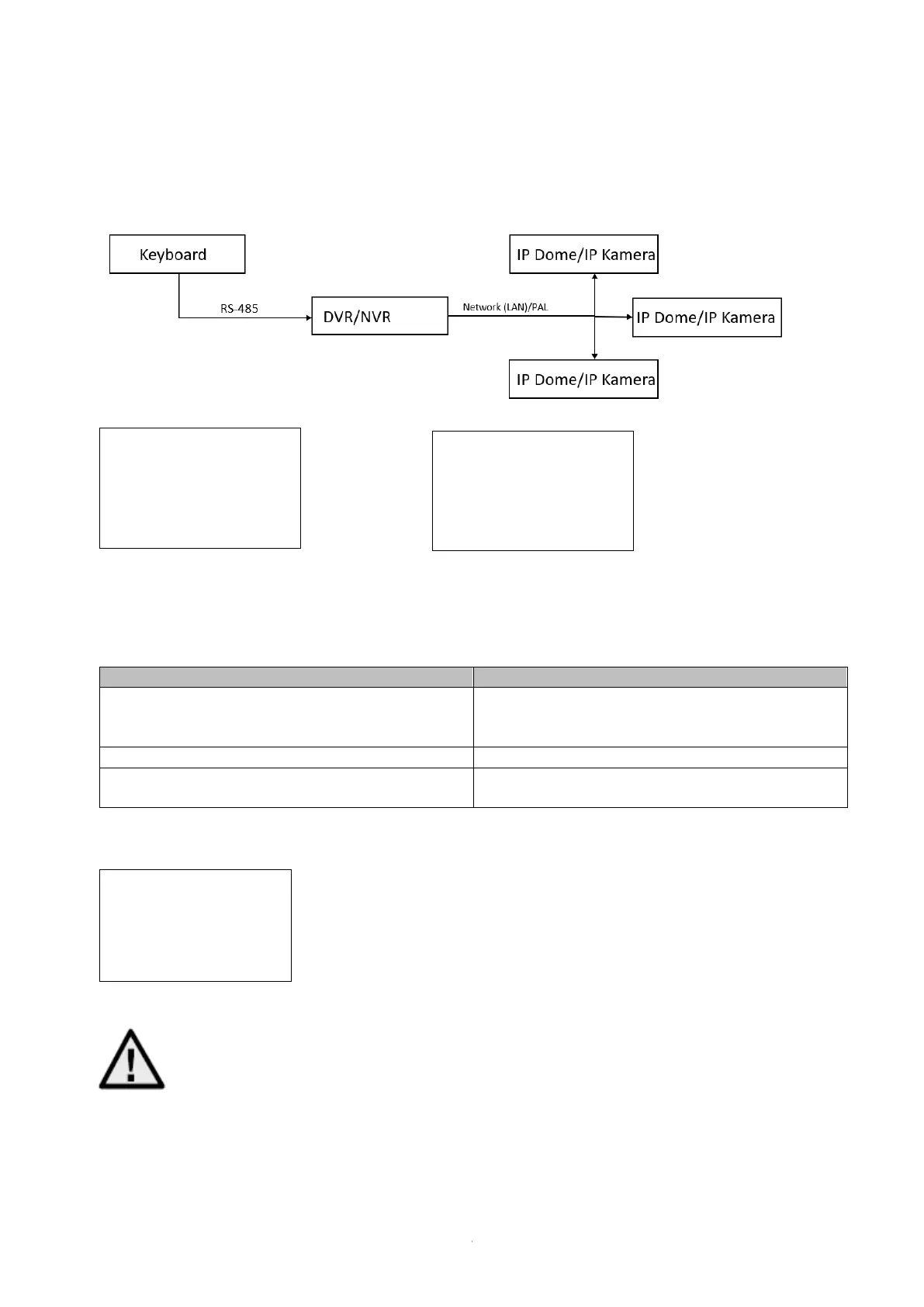
4.3.3 DVR by RS-485
Connecting an NVR/DVR to the control panel via RS-485
Confirm version
NVR >= V4.1.50
DVR >= V3.3.35
YES NO
Example: 1: Connecting an NVR/DVR to the control panel via RS-485
2: Set the ID to Max 32 in the NVR/DVR menu
3: Enter the ID of the added NVR/DVR on the control panel and
then click DEV
To control a NVR/DVR, you need to enter the
ID of the NVR/DVR you have added via web
interface
Here you can see the input of the control panel
Check the version number of your NVR/DVR
and select Yes or No
Here an NVR/DVR with ID 1 has been added:
Important:
For DVRs, the device ID can be a maximum of 32
By default, the ID is 255, Please configure a suitable ID in the DVR/NVR
"Configuration" / "General" / "Additional Settings" via local HDMI/VGA output.



 To Next Page